
Blog elements
Blog layout sections in vevy.ai - Shopify blog builder
3 min read
Elements are the building blocks of your blog post. Drag one from the Elements panel into your post, then click it to set it up in the Block tab on the right.
Most elements are on every plan. Elements that add products or media need the Starter plan, and the Newsletter element needs Pro. If your plan doesn’t include an element, it shows a lock in the Elements panel.
Want to see blog builder in action?
Install vevy.ai for free and create stunning blog pages
Get for free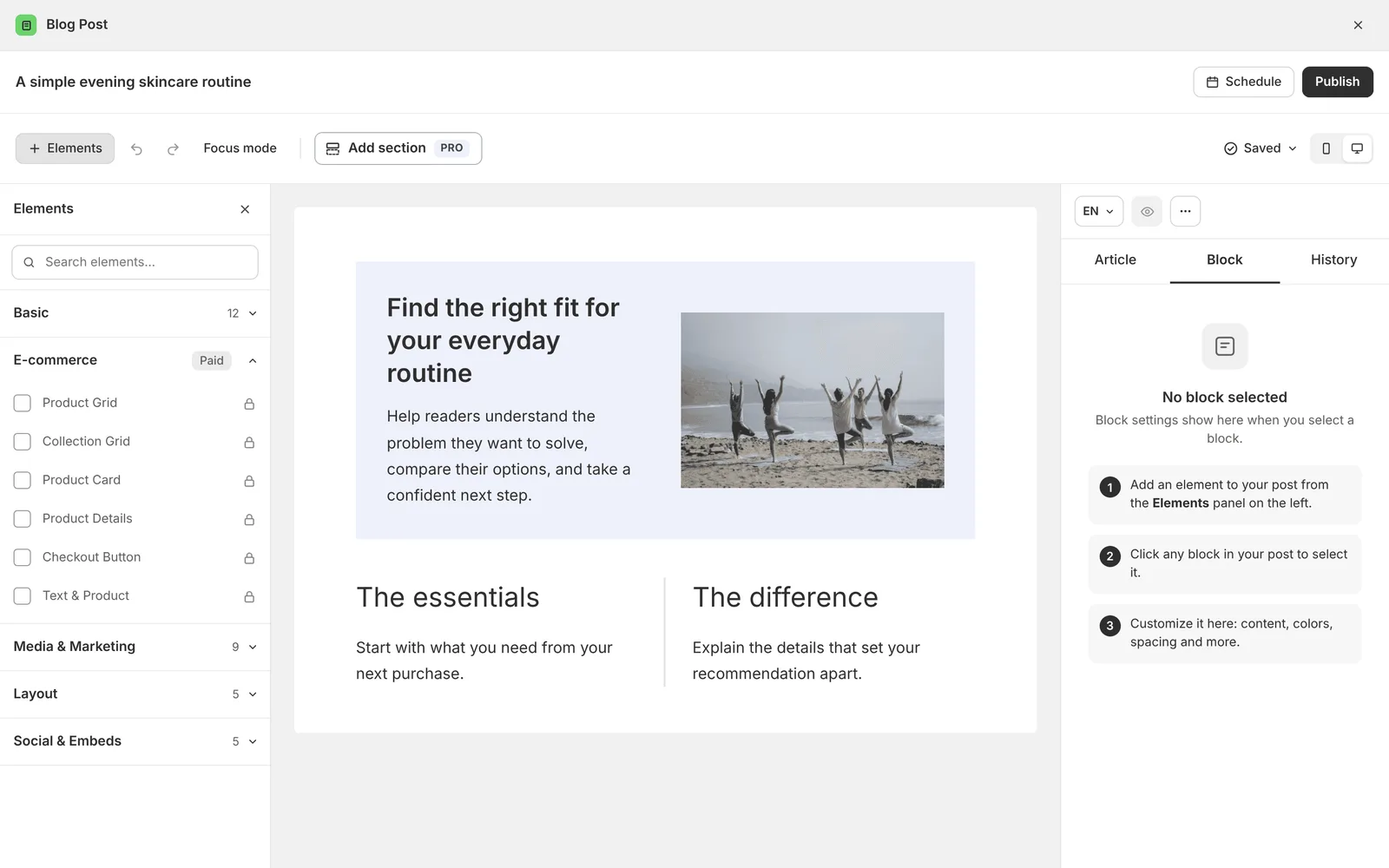
| Element | What it does |
|---|---|
| Heading (H1, H2, H3, H4) | Splits your post into sections |
| Paragraph | Body text |
| List | Bulleted or numbered list |
| Table | Rows and columns for comparisons |
| Divider | A line between sections |
| Quote | Highlights a quote or review |
| Image | A single image |
| Text & text | Two text columns side by side |
| Spacer | Empty space between element |
| Summary | A Key takeaways box |
| Tip / Callout | A highlighted tip or note |
| Author box | The author’s photo, bio and link |
| Text & Image | Text beside an image |
| Before/After | Two images readers can compare |
| Stats | Key numbers with labels |
| Recipe | Ingredients and steps |
| Map | A location on a map |
| Product Card | One product with price and buy button |
| Product Details | Full product info with options |
| Product Grid | Several products in a grid |
| Collection Grid | A product collection |
| Checkout Button | Sends readers straight to checkout |
| Text & Product | Text beside a product |
| Slider | Images or messages that slide |
| Video | A YouTube, Vimeo or uploaded video |
| Banner | A bold block for an offer or message |
| CTA Button | A button that tells readers what to do next |
| Testimonial | Customer reviews |
| FAQ | Questions and answers in an accordion |
| Gallery | Images in a grid |
| Countdown | A timer for a sale or launch |
| Newsletter | An email signup form |
Blog elements you can use in blog post in Shopify
Heading
Headings split your post into sections, so readers can scan it and search engines understand it. They also feed the table of contents.
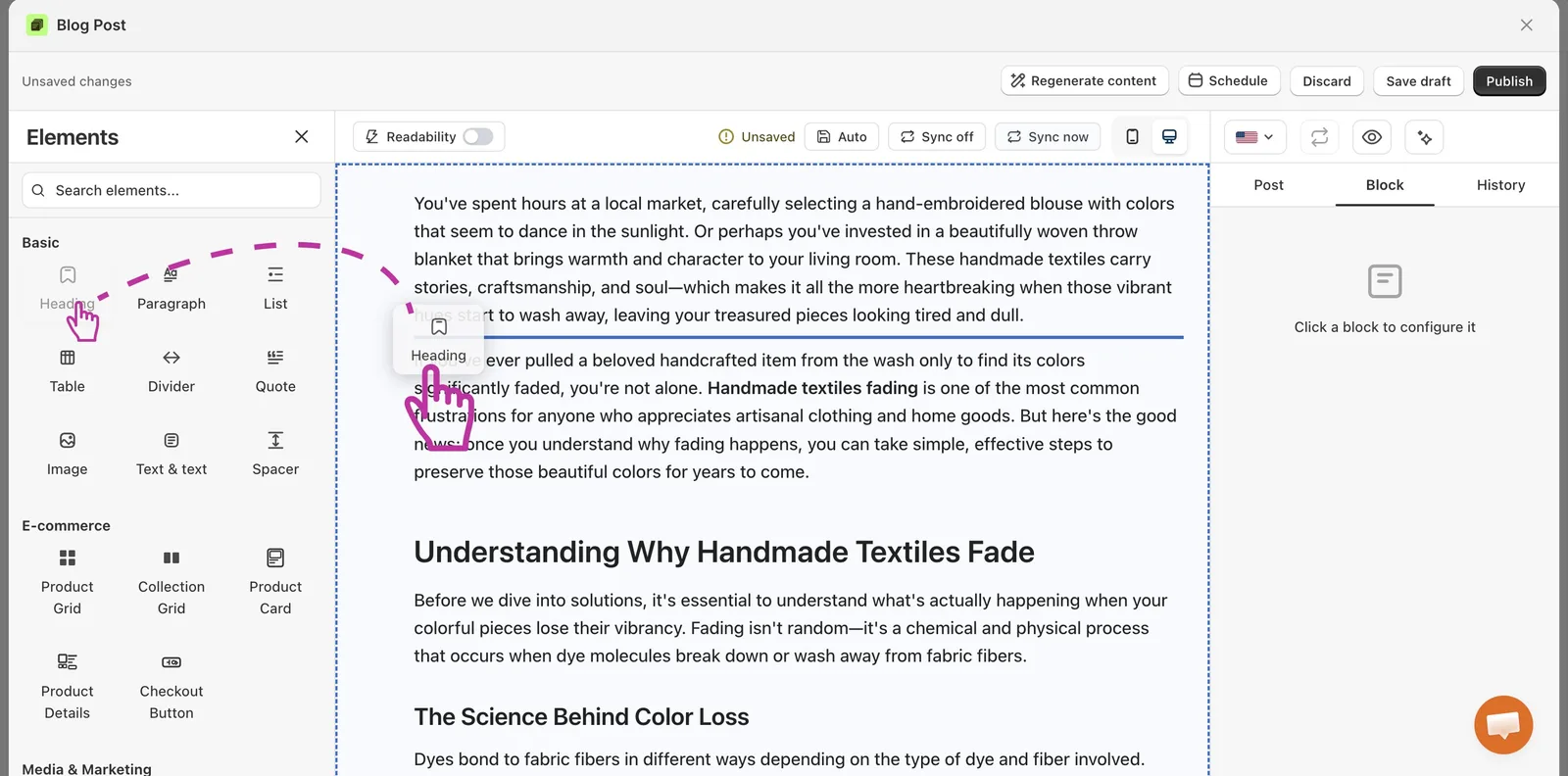
Paragraph
Your main body text. Most of your post is made of paragraphs.
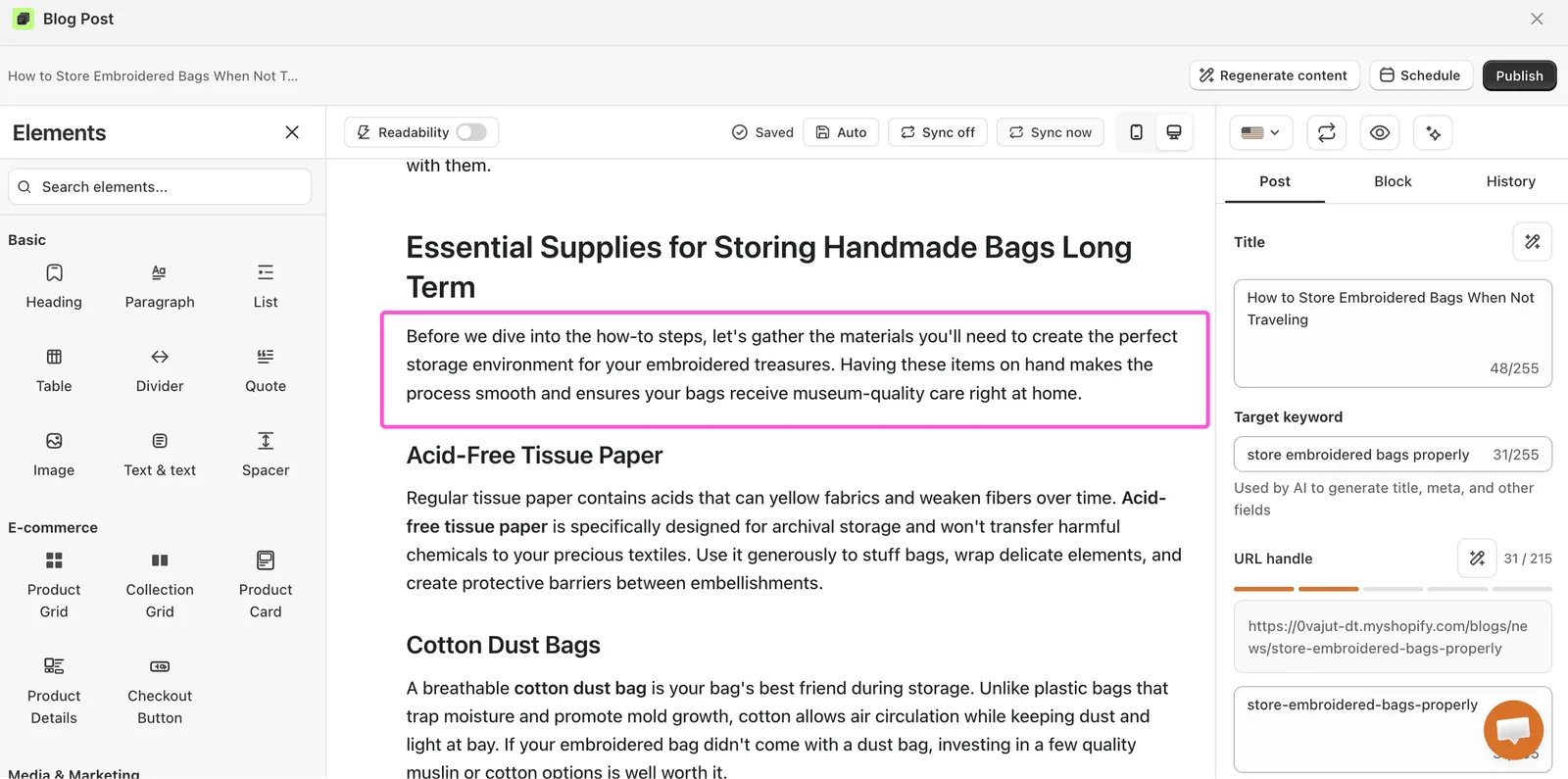
List
A bulleted or numbered list. Use numbers for steps and bullets for everything else. Lists are easy to scan and can show up as featured snippets in search.
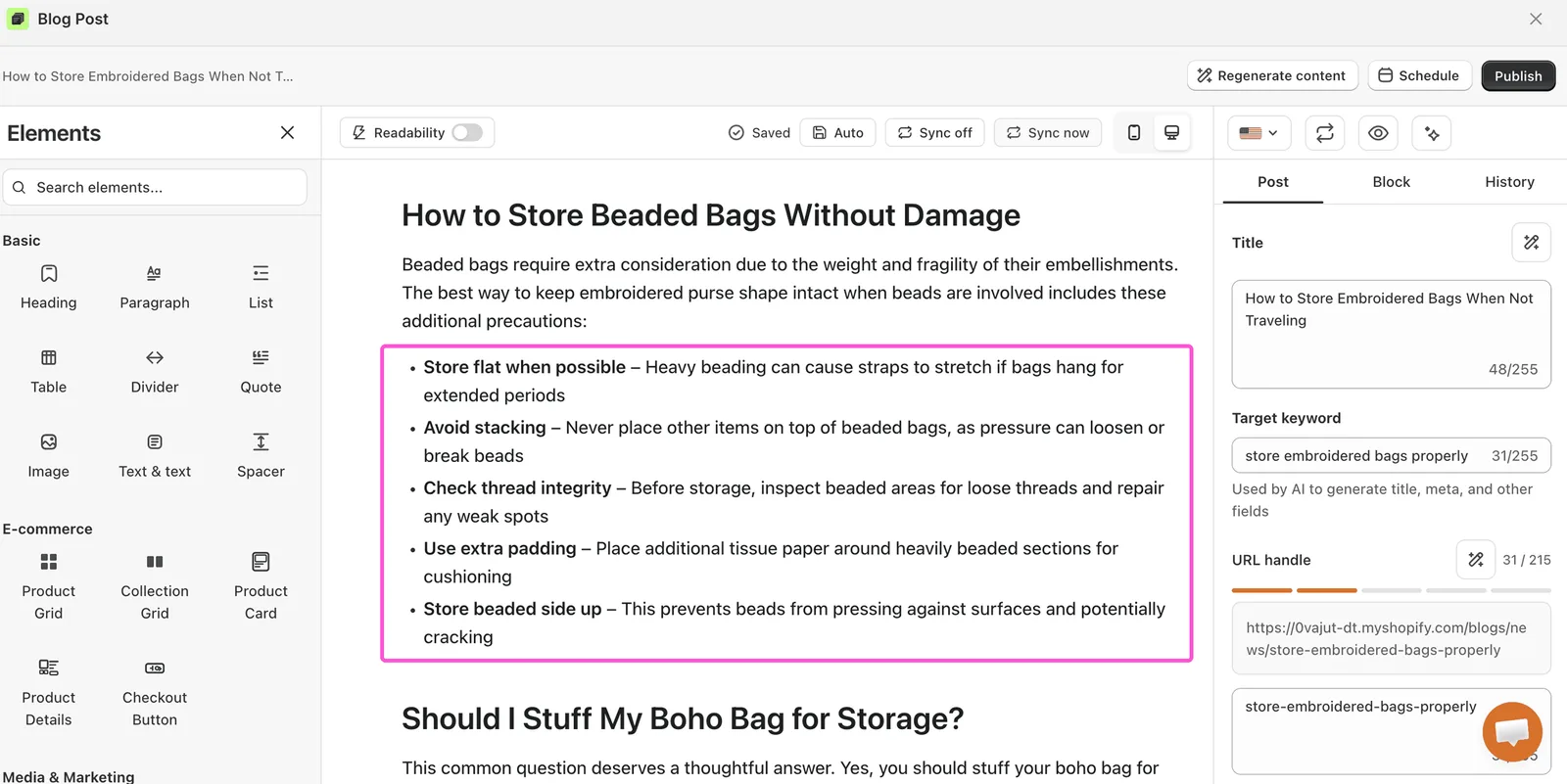
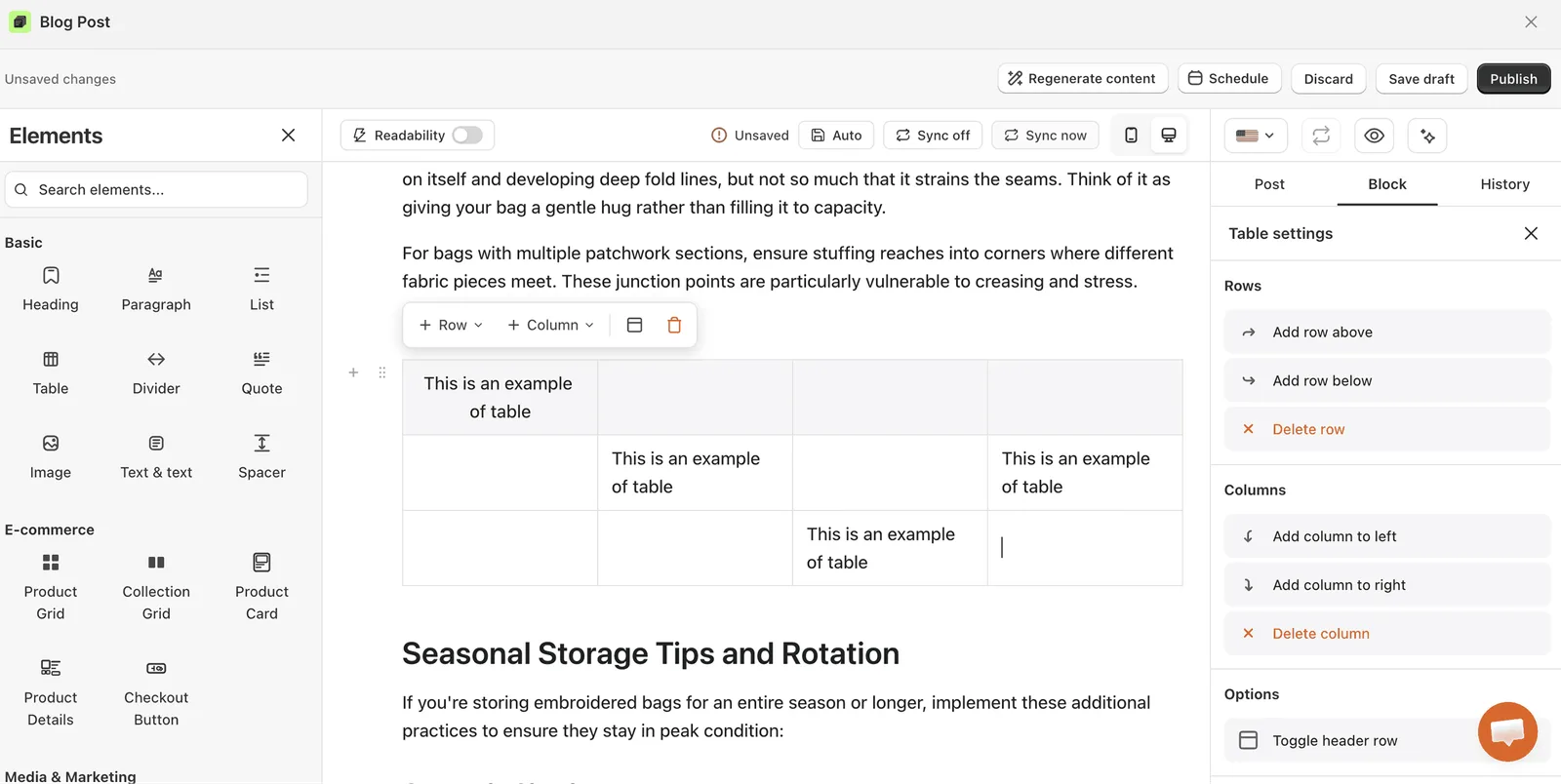
Table
Rows and columns for size charts, price comparisons or specs.
Divider
A thin line between sections. It makes long posts feel lighter. Use it sparingly.
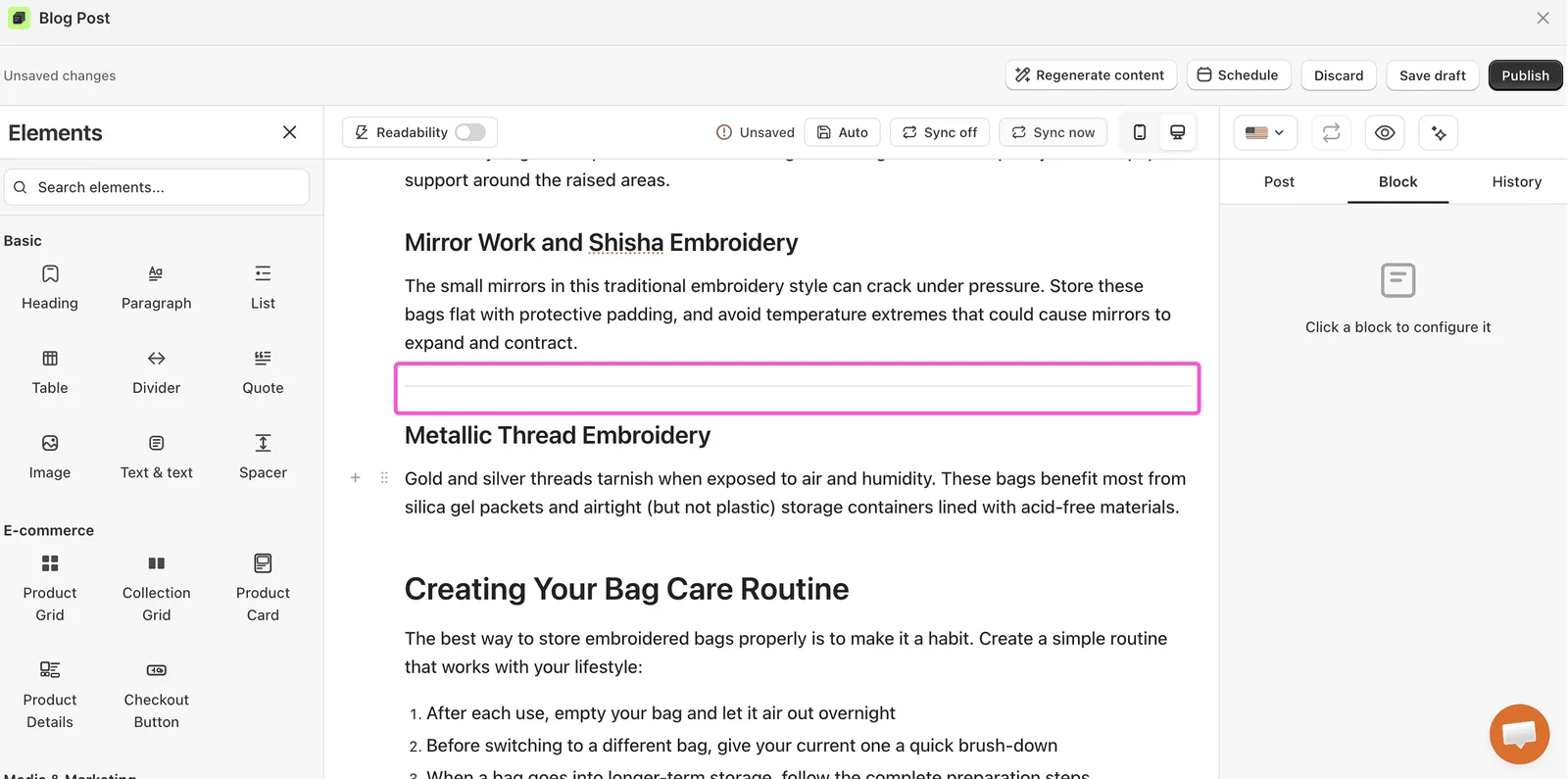
Great for: Marking a clear break before a new topic, a product pick, or a call-to-action.
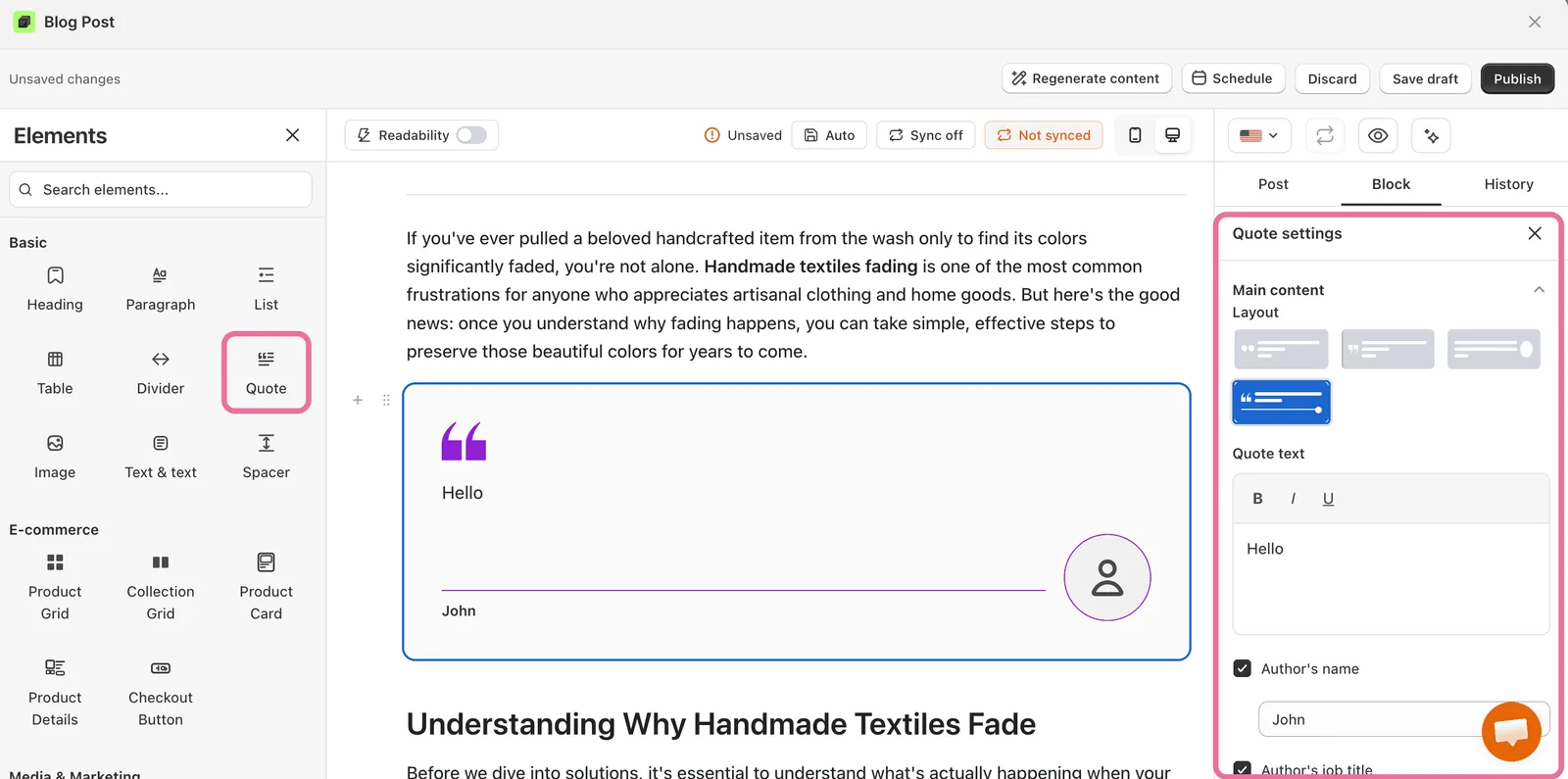
Quote
Highlights a customer review, an expert quote or a bold claim. Name the source when you can.
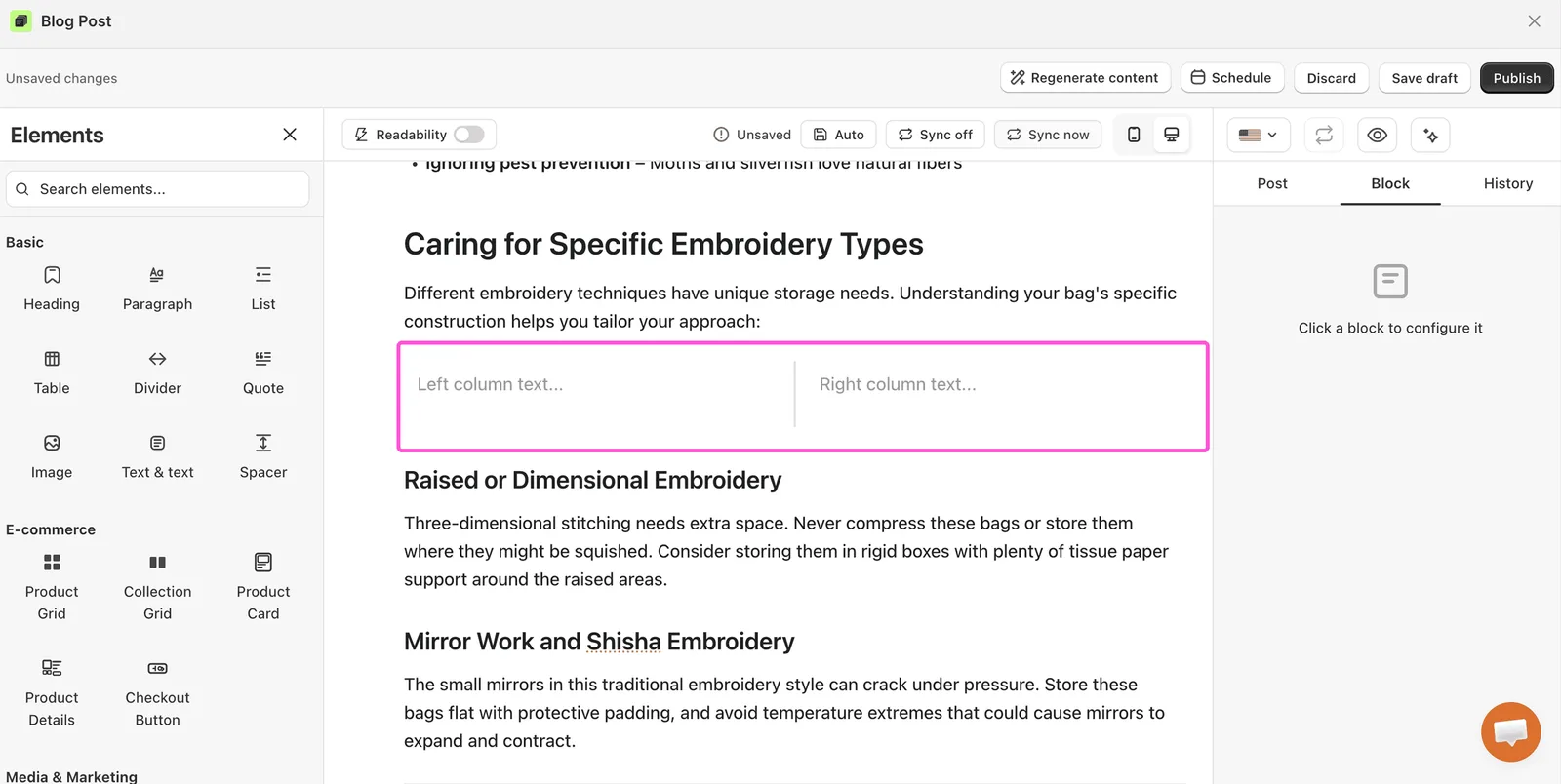
Text & text
Two text columns side by side. Use it for comparisons, like pros and cons. The columns stack on phones.
Spacer
Adds empty space between elements. Use a small gap for minor breaks and a larger one between major sections.
Summary
A Key takeaways box with a short list of the main points. Put it near the top so readers get the point of the post quickly.
You can change the title, the items and the style: filled box, outlined box or plain list.
Tip / Callout
A highlighted box for a tip, a note or a warning. It uses your accent color for its icon.
Author box
Shows the author’s photo, name, bio and an optional button. The details come from the author’s profile in Settings > Authors. See Authors and author box.
Image
A single image. You can link it to a product page.
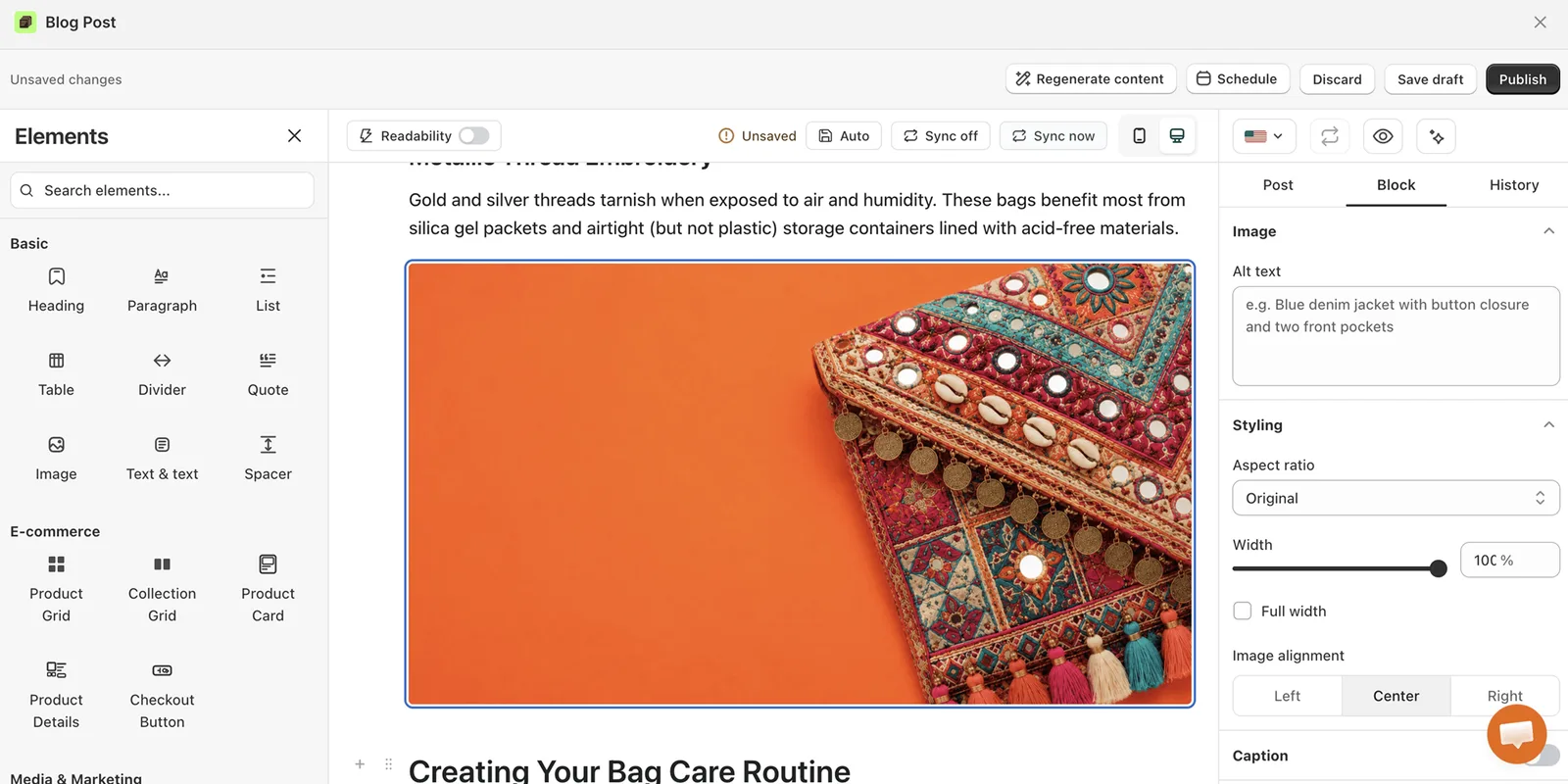
On the Pro plan, you can also generate the image with AI.
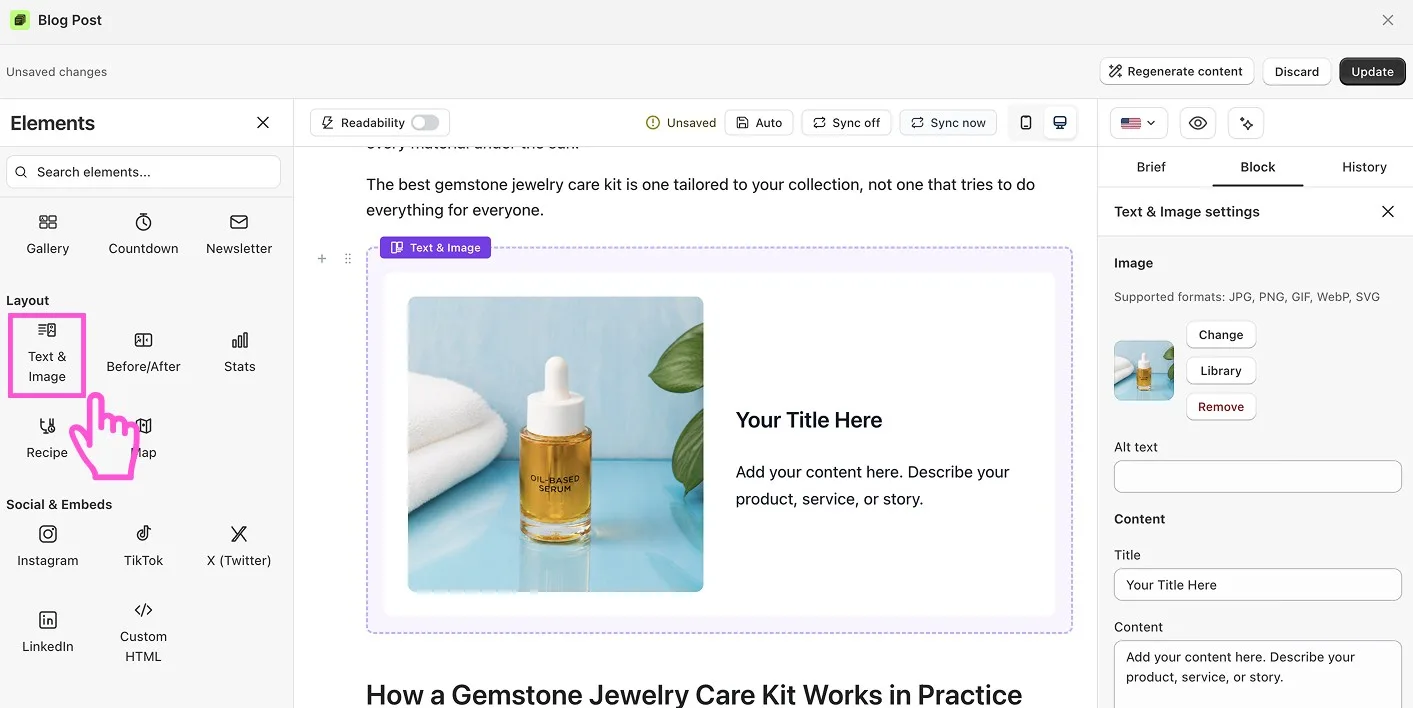
Text & Image
Text beside an image, so the words and the picture support each other. The text side can hold headings, paragraphs and lists.
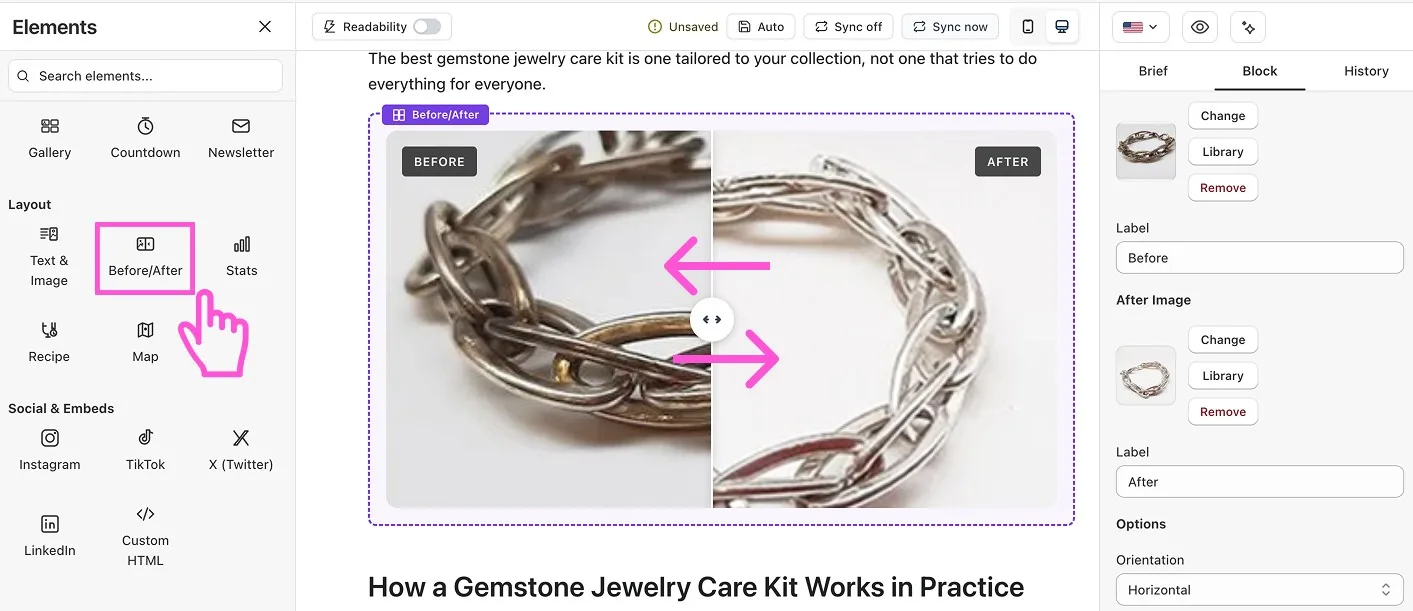
Before/After
Two images that readers compare with a slider. Great for results, transformations and upgrades. Use real photos.
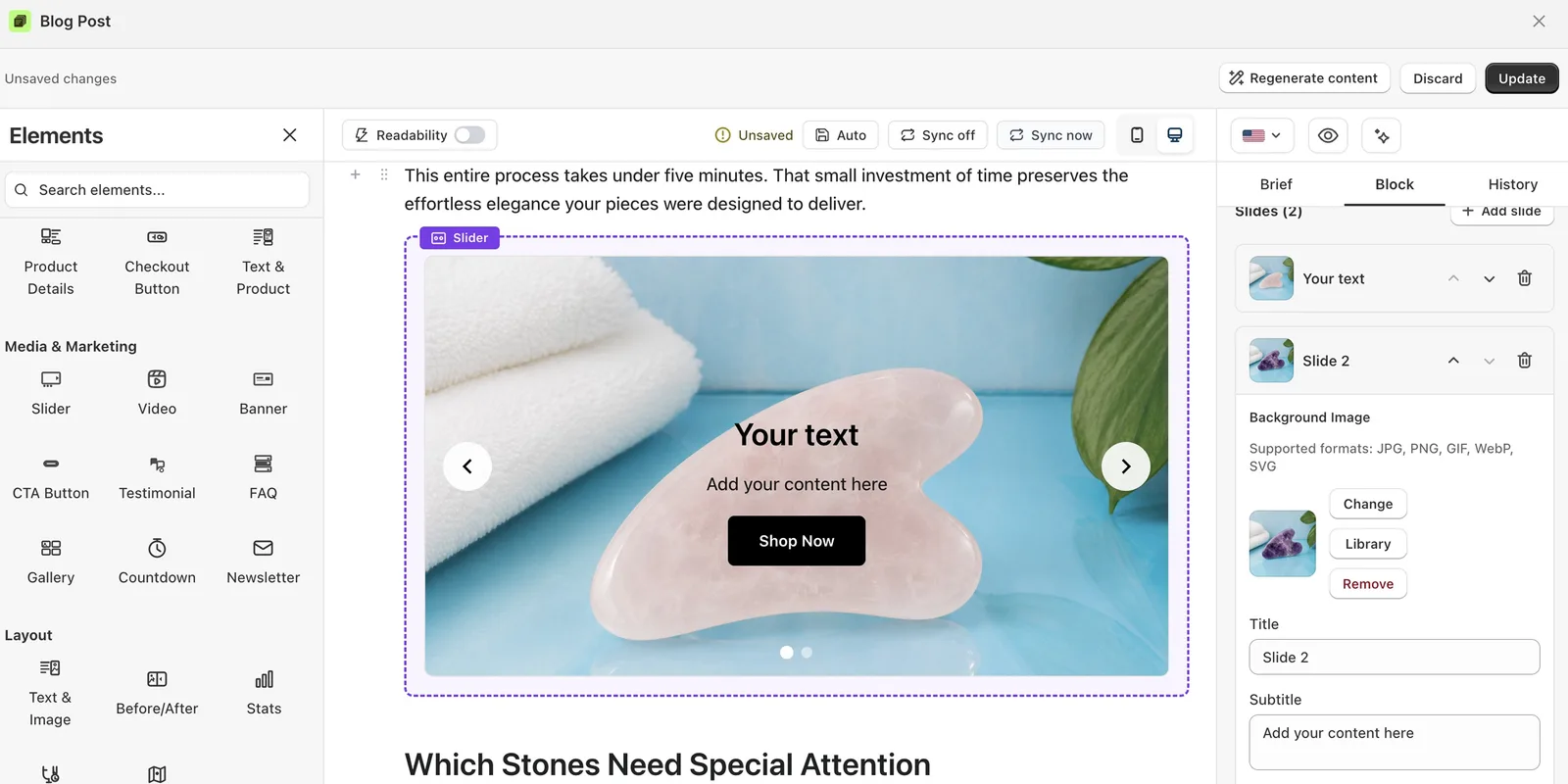
Slider
Several images or messages in one space that readers swipe through. Add as many slides as you need.
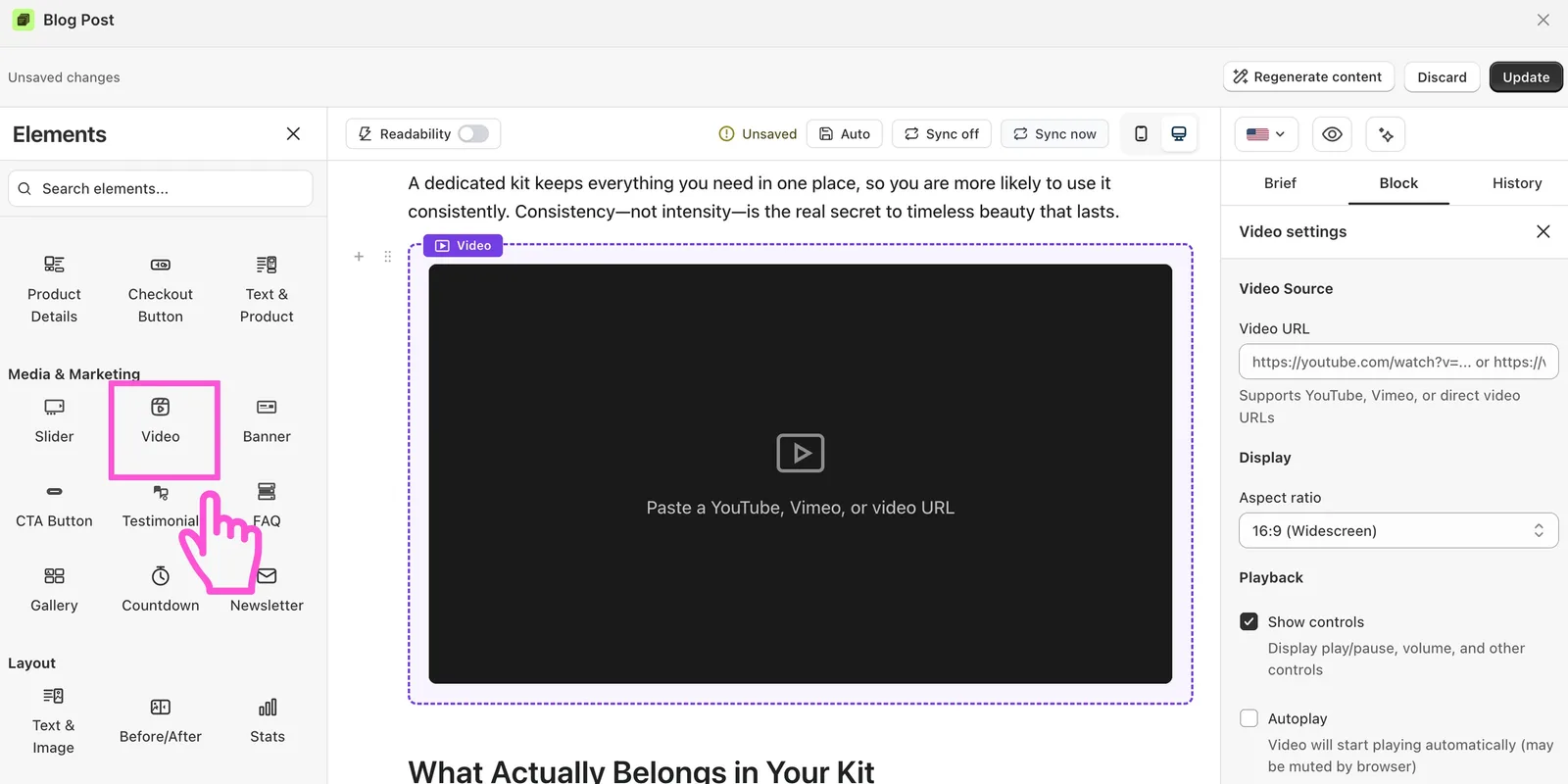
Video
Embeds a video from YouTube or Vimeo, or one you upload. Use it to show your product in action.
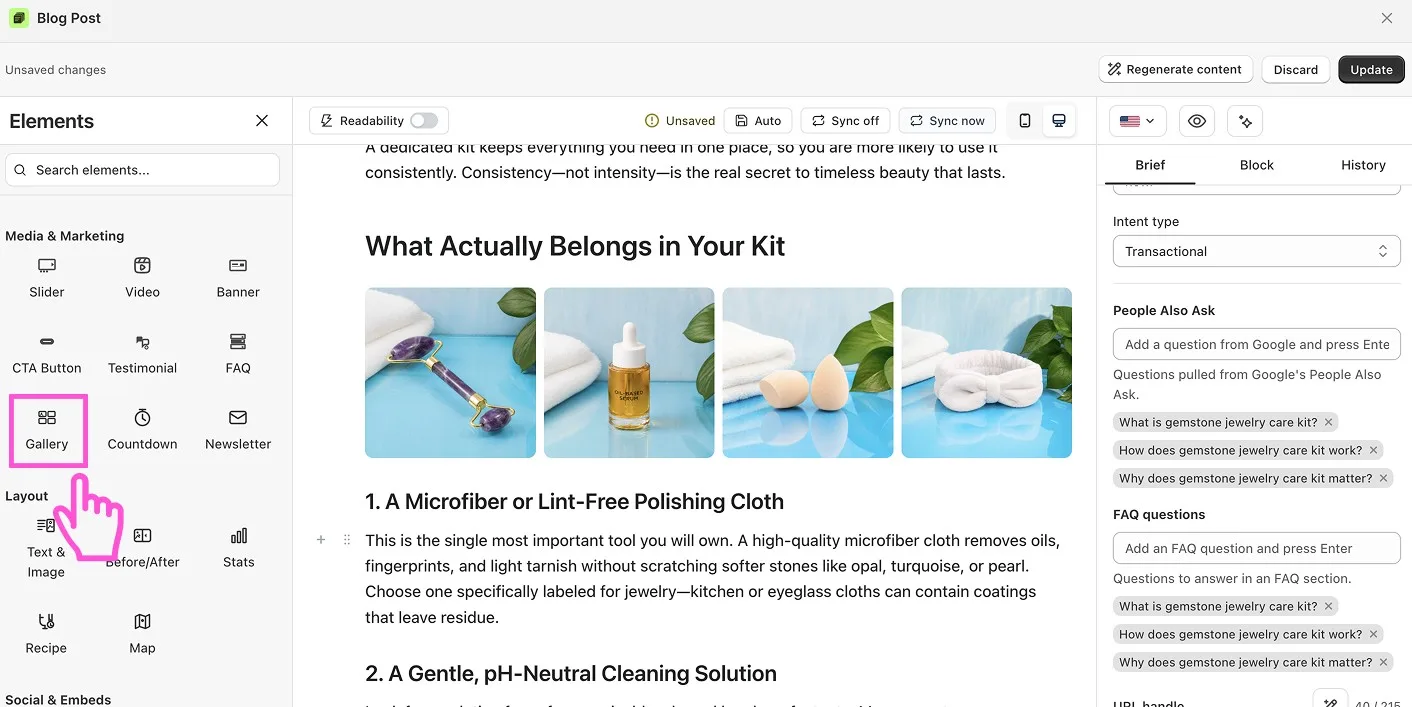
Gallery
A grid of images, so readers can browse many photos at once.
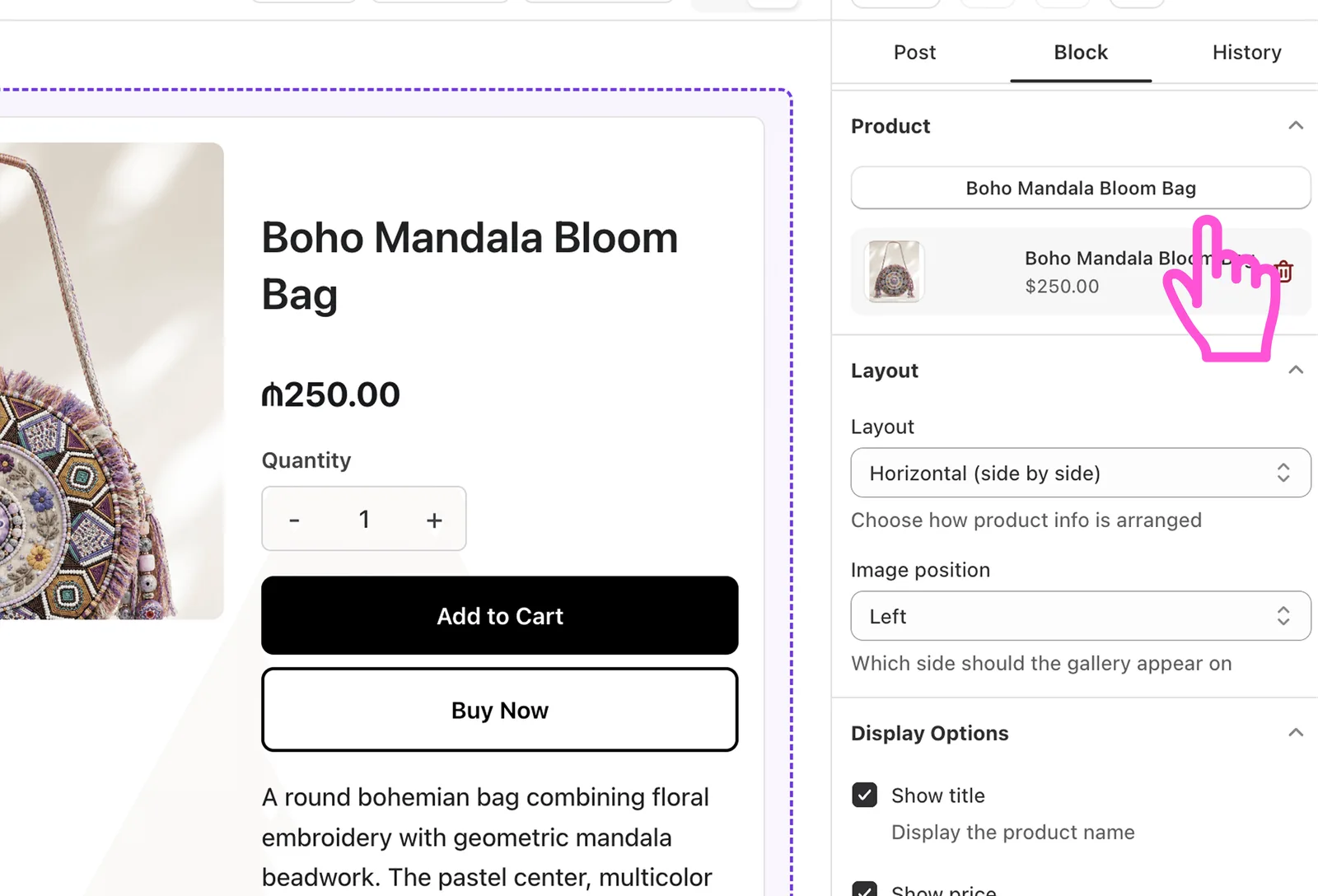
Product Card
One product with its image, price and a buy button.
Product Details
Full product information with the description, price, options, quantity, and Add to Cart and Buy Now buttons. Readers can decide and buy without leaving the post.
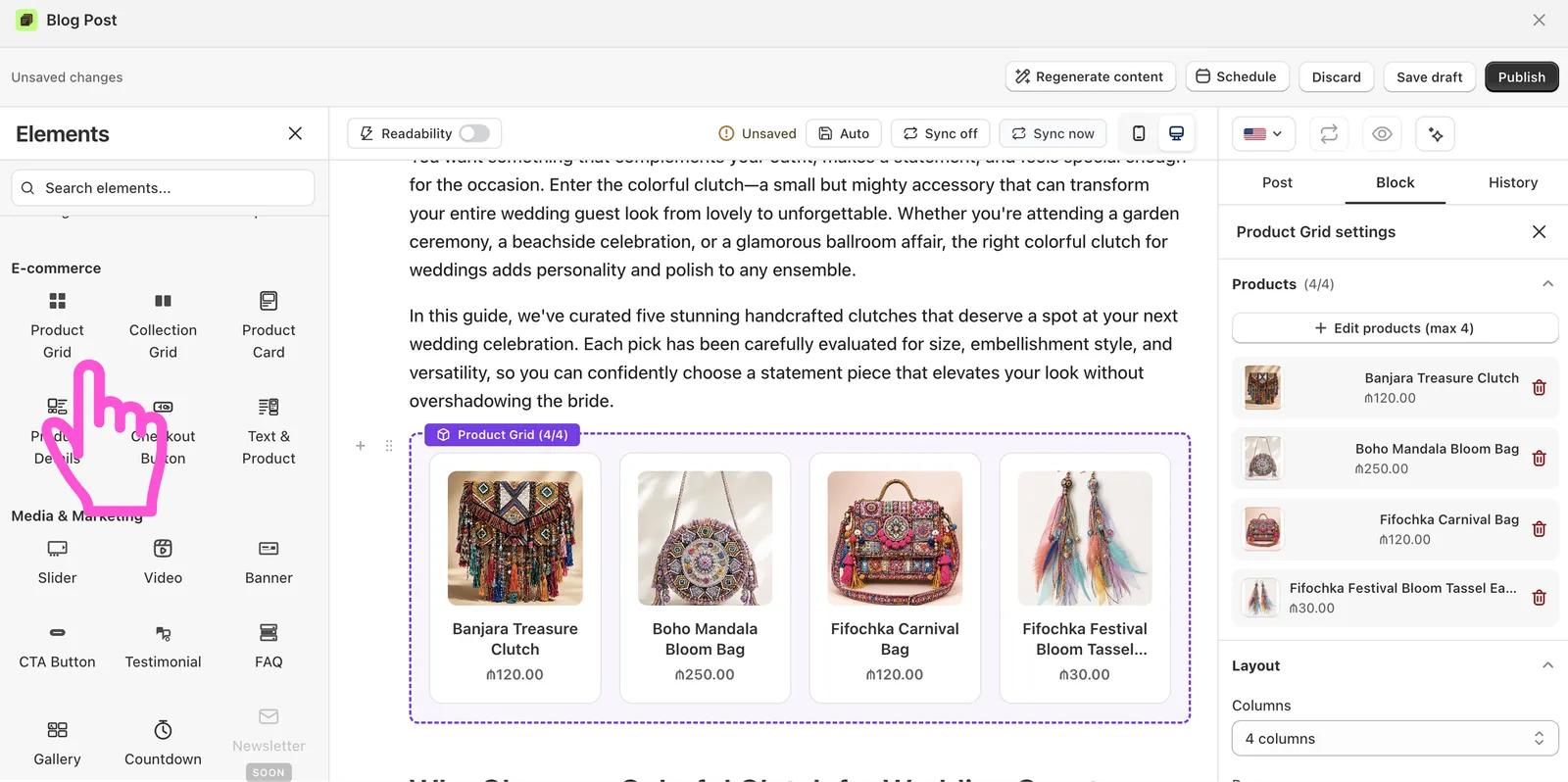
Product Grid
Several products in a grid, so readers can browse and buy inside the post. Great for gift guides and “best of” lists.
Collection Grid
Shows a whole product collection, so readers can browse a category from the post.
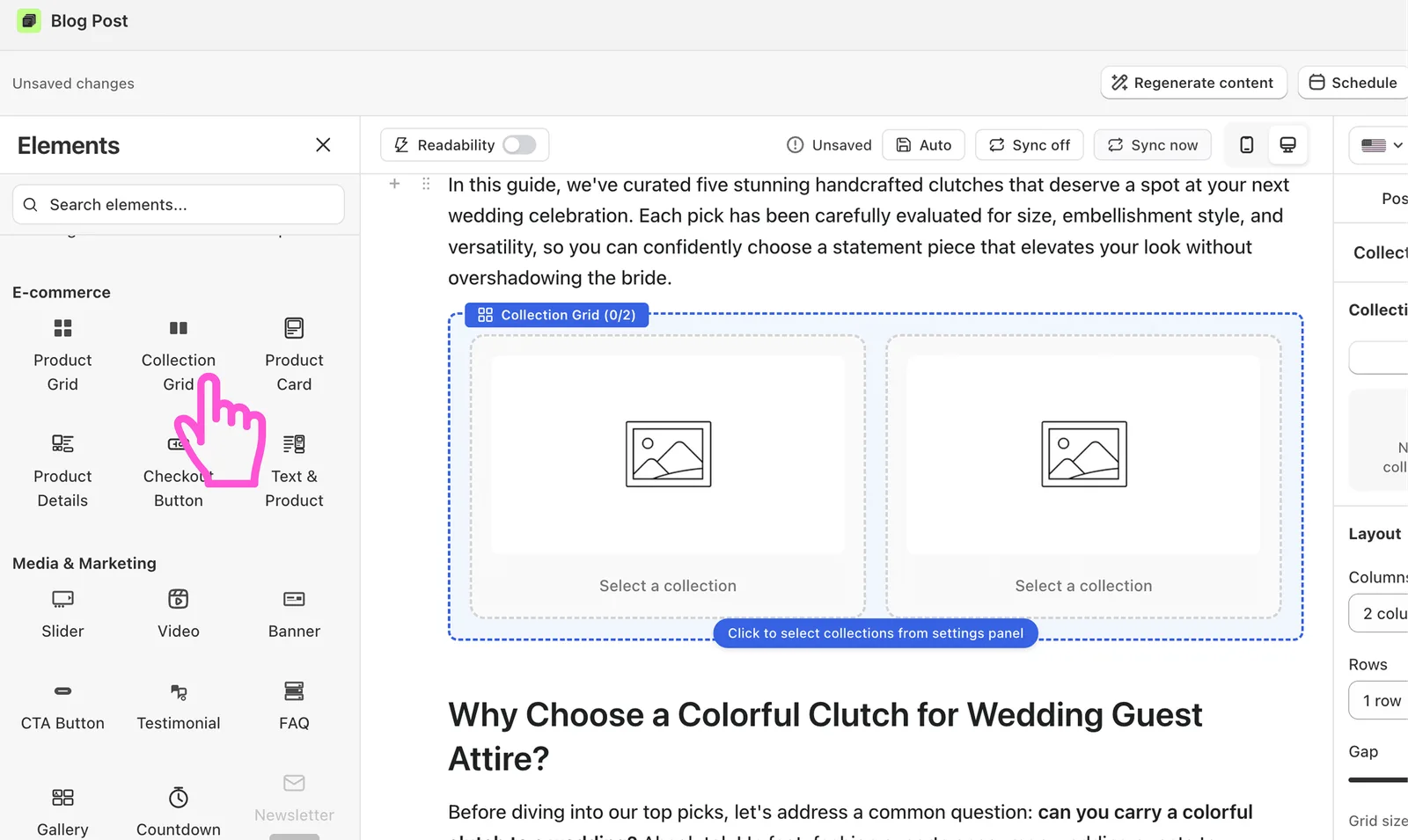
Checkout Button
Takes readers straight to checkout with one click.
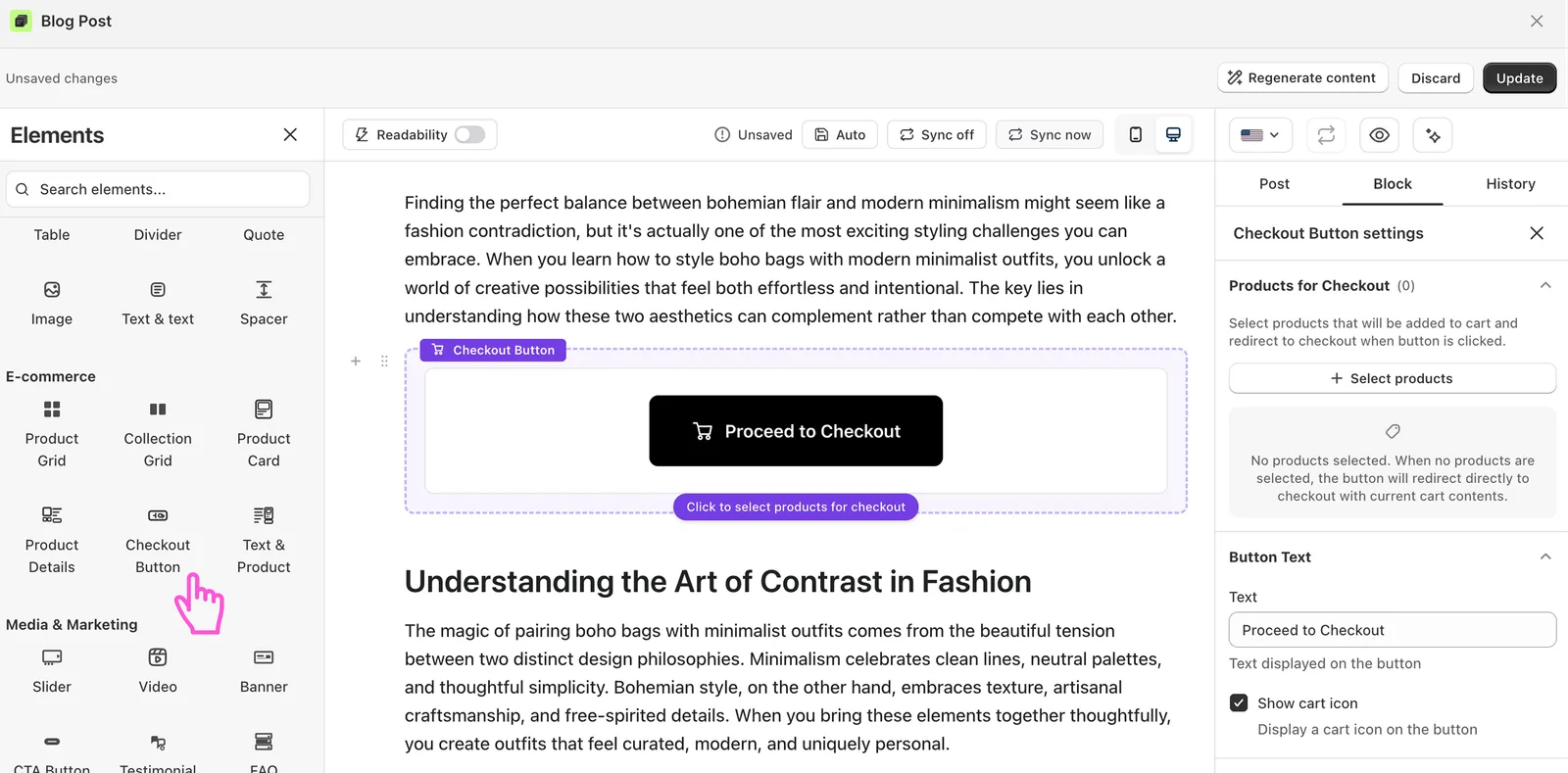
Text & Product
Text beside a product the reader can buy. Match the product to what the text is about.
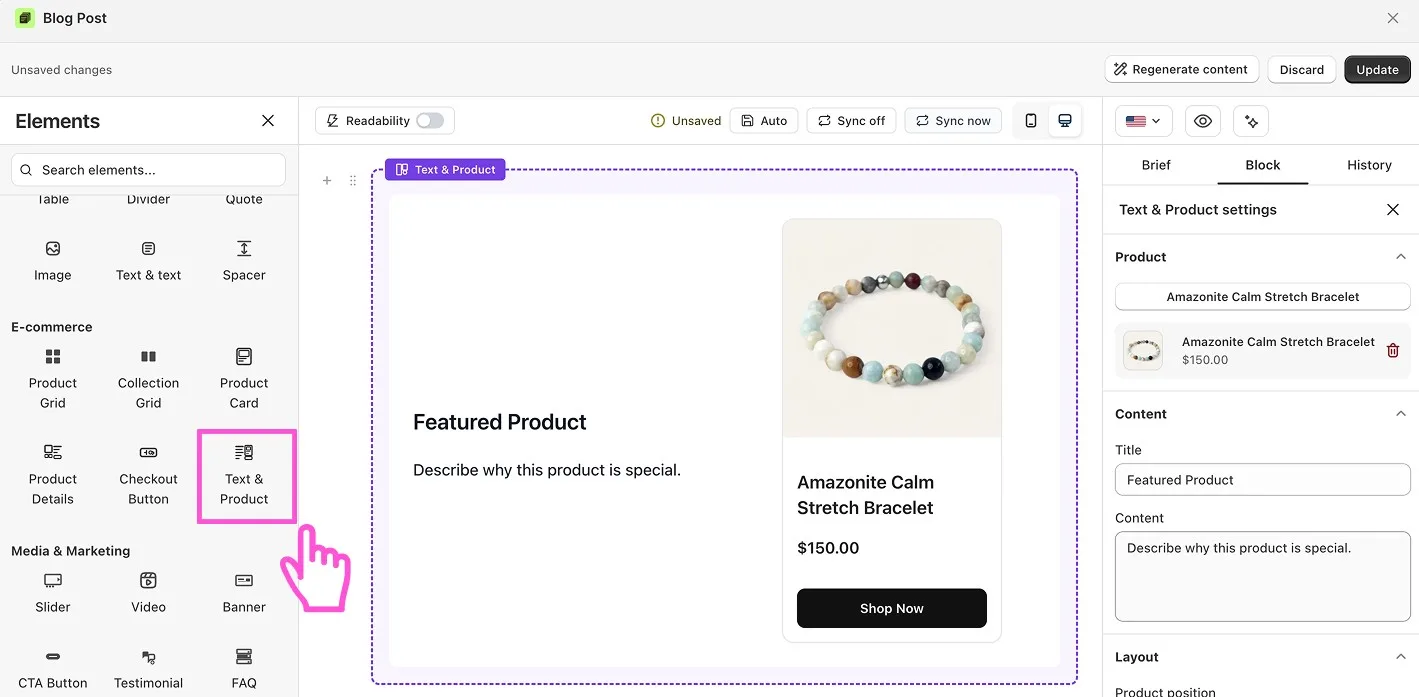
Banner
A bold block that highlights an offer, a sale or an important message.
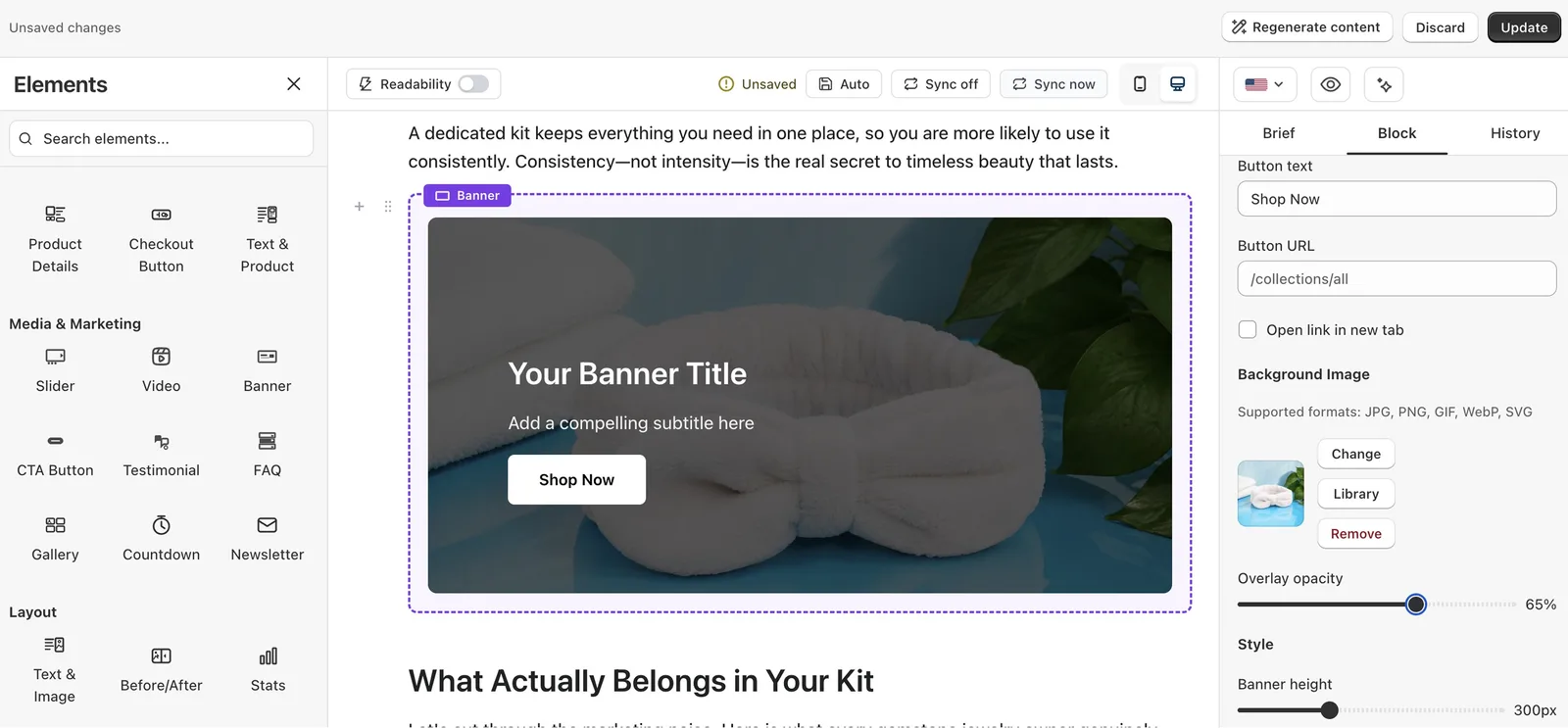
CTA Button
A button that tells readers what to do next, like “Shop the collection” or “Read the guide”.
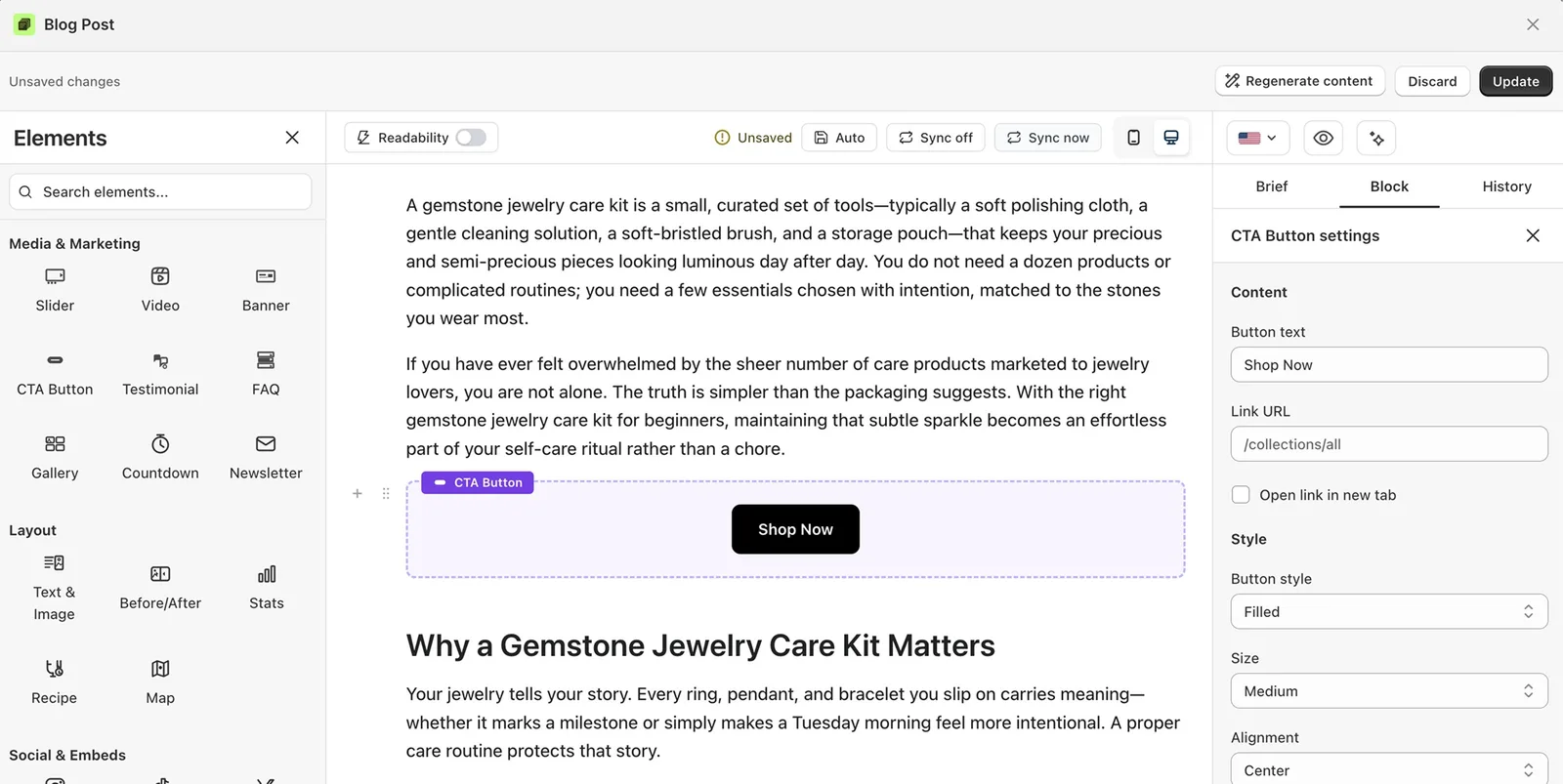
Testimonial
Customer reviews that build trust. Add as many as you want.
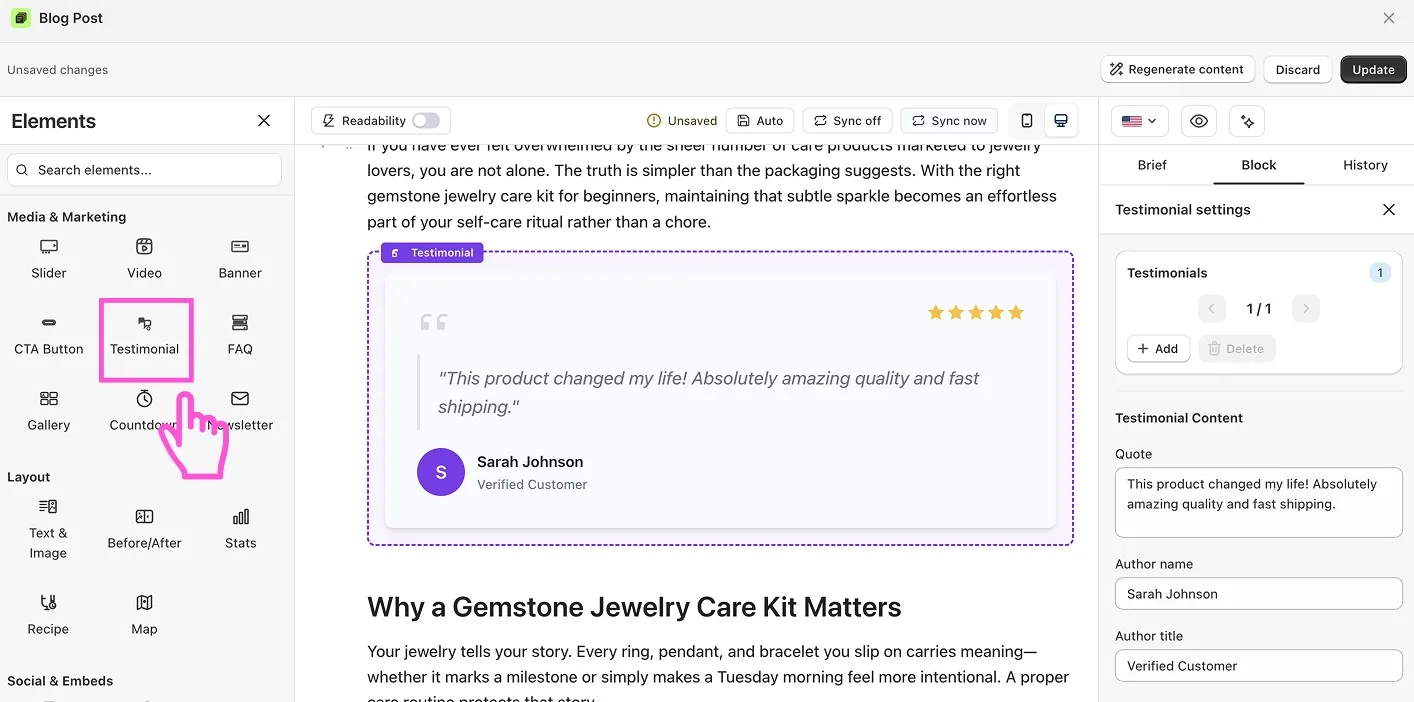
FAQ
Questions and answers in an accordion. Use it for shipping, sizing, returns or anything shoppers ask often. On the Pro plan, vevy adds FAQ structured data so the post can show as a rich result in search.
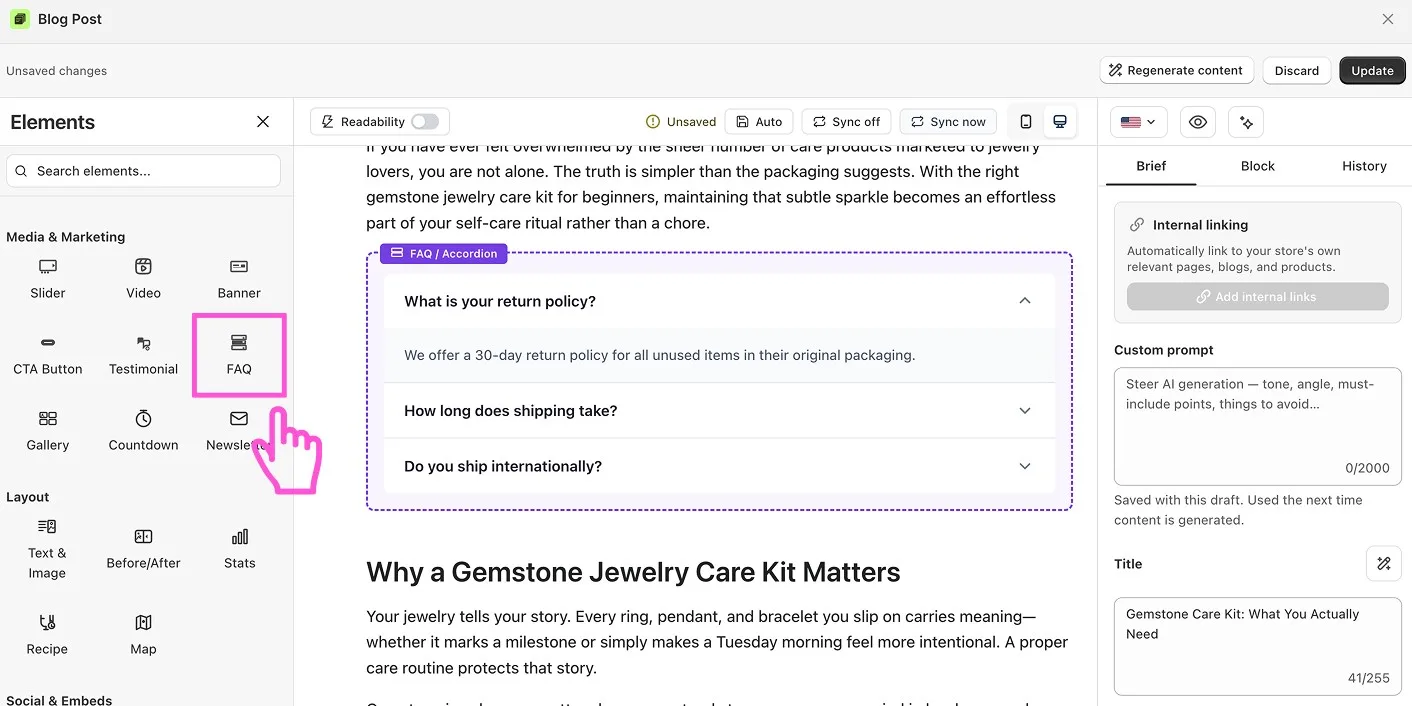
Countdown
A ticking timer for a sale or a launch. It adds urgency.
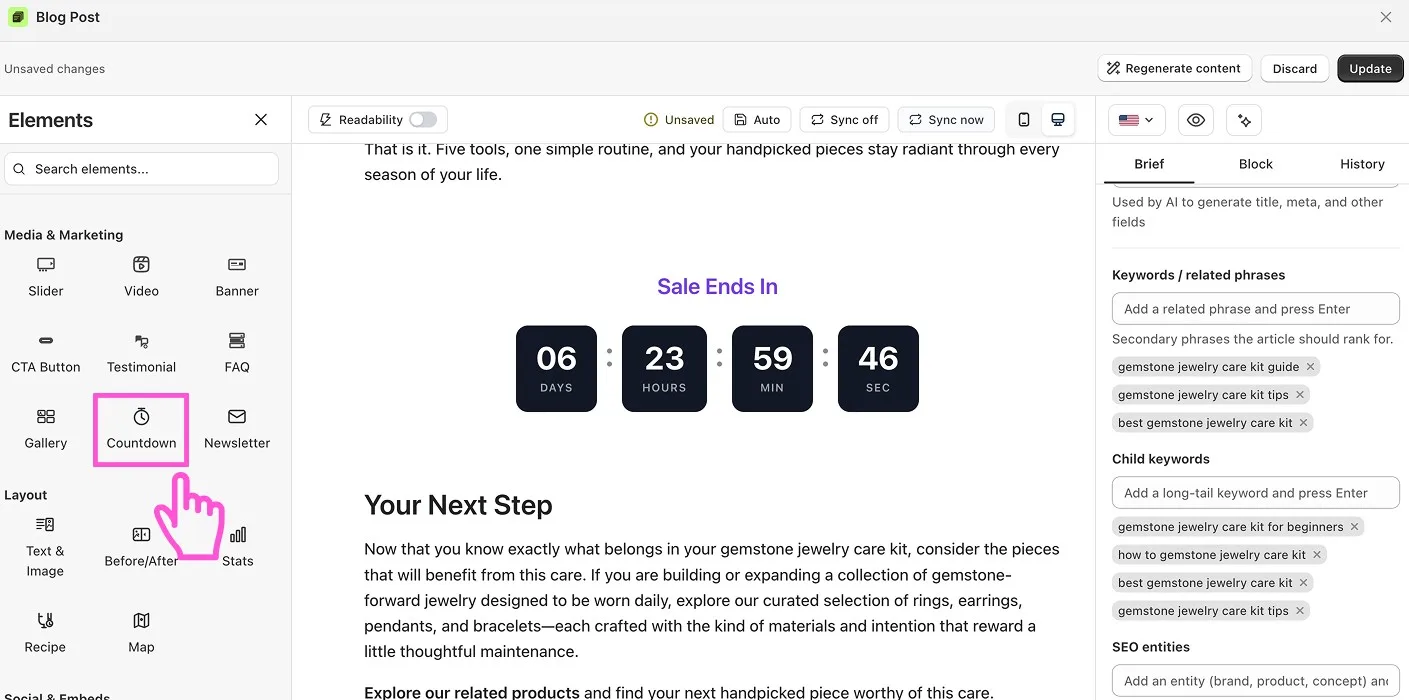
Newsletter
An email signup form inside the post. New subscribers show on the Subscribers page, and you can send them to Klaviyo, Mailchimp or Shopify Customers from Settings > Integrations. Pro only.
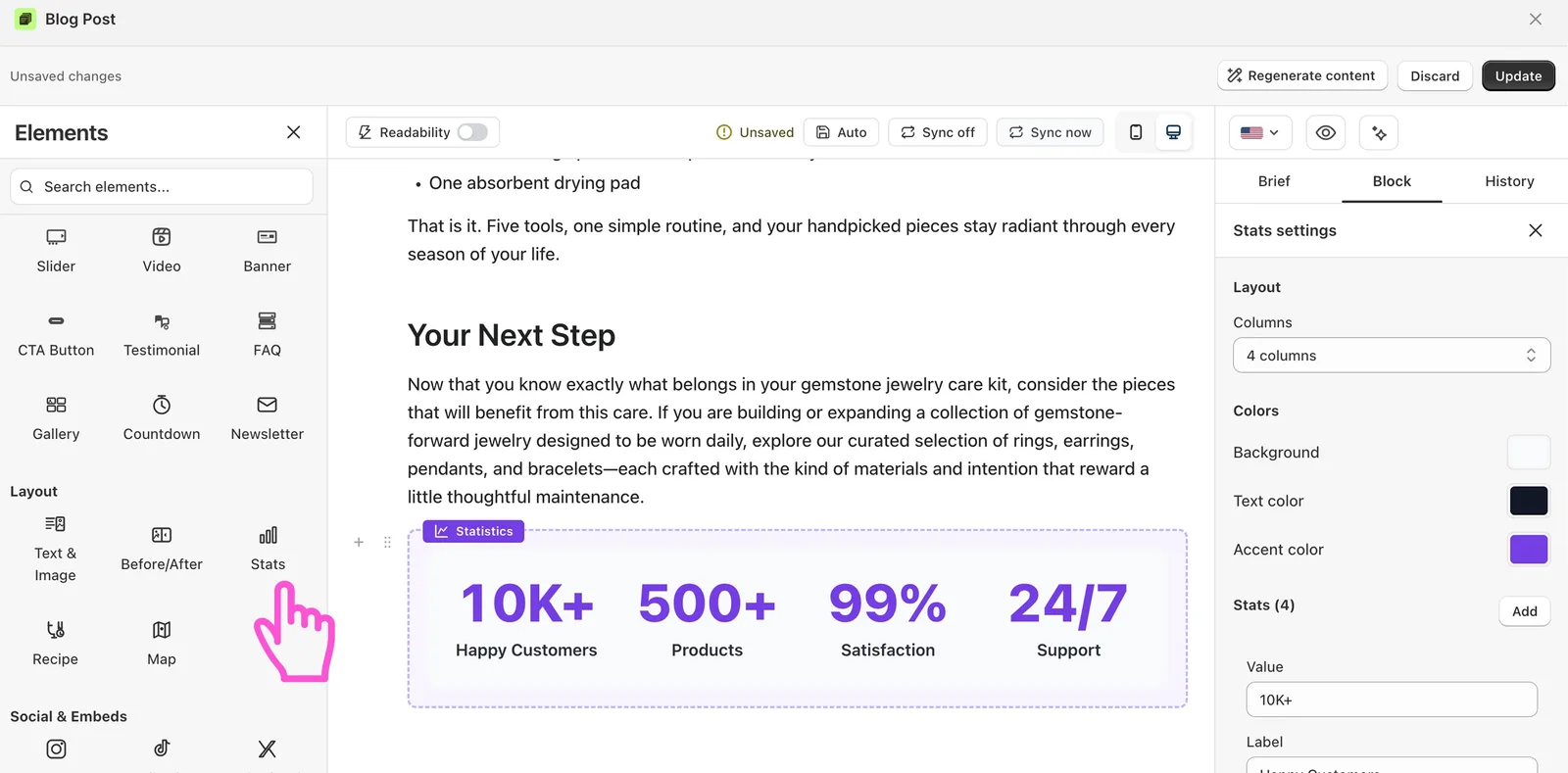
Stats
Shows key numbers in a bold format, like “10,000 happy customers”. Use two or three numbers, each with a short label.
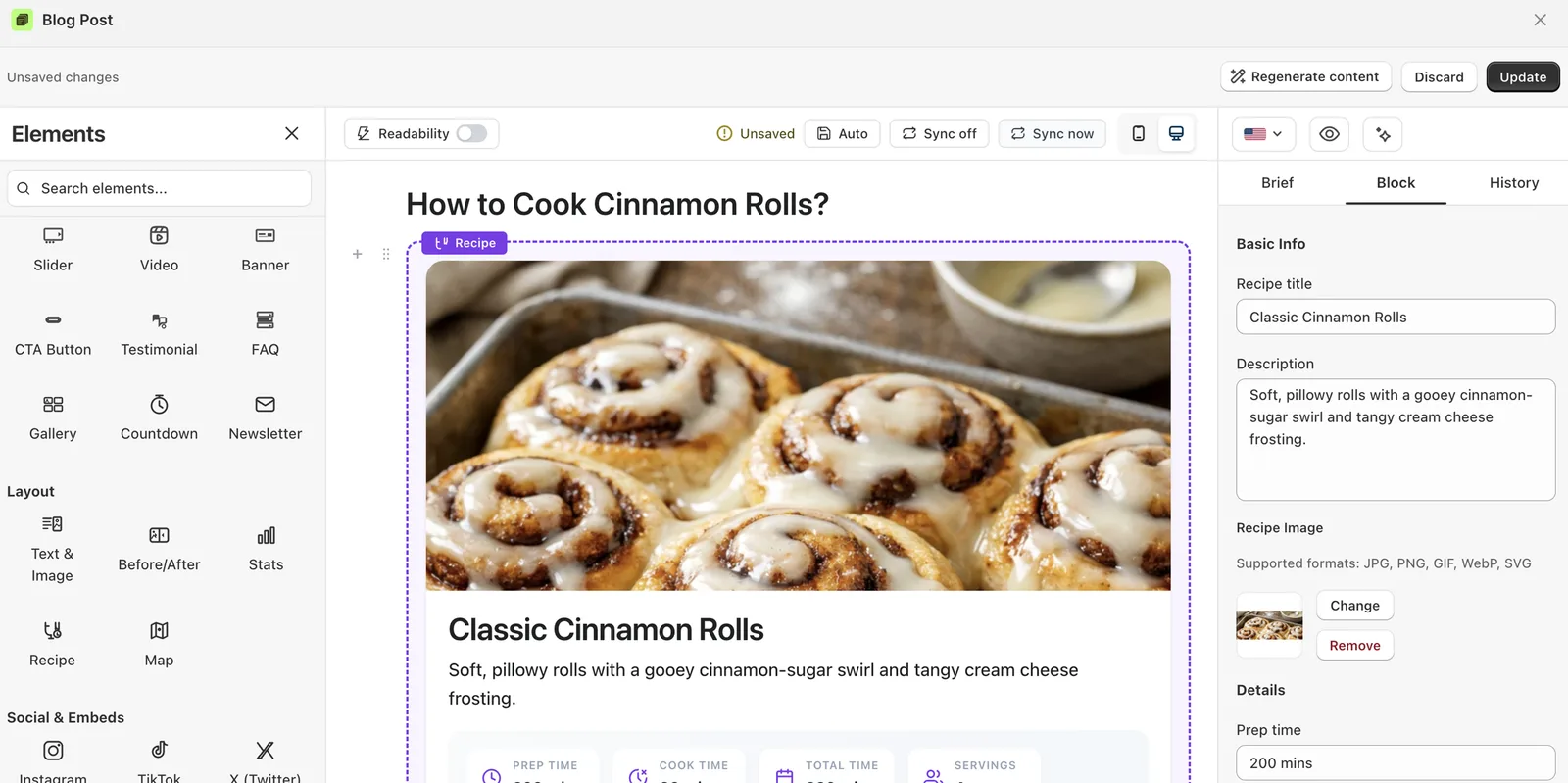
Recipe
Ingredients and steps in an easy format, for food and DIY posts. On the Pro plan, vevy adds Recipe structured data for rich results in search.
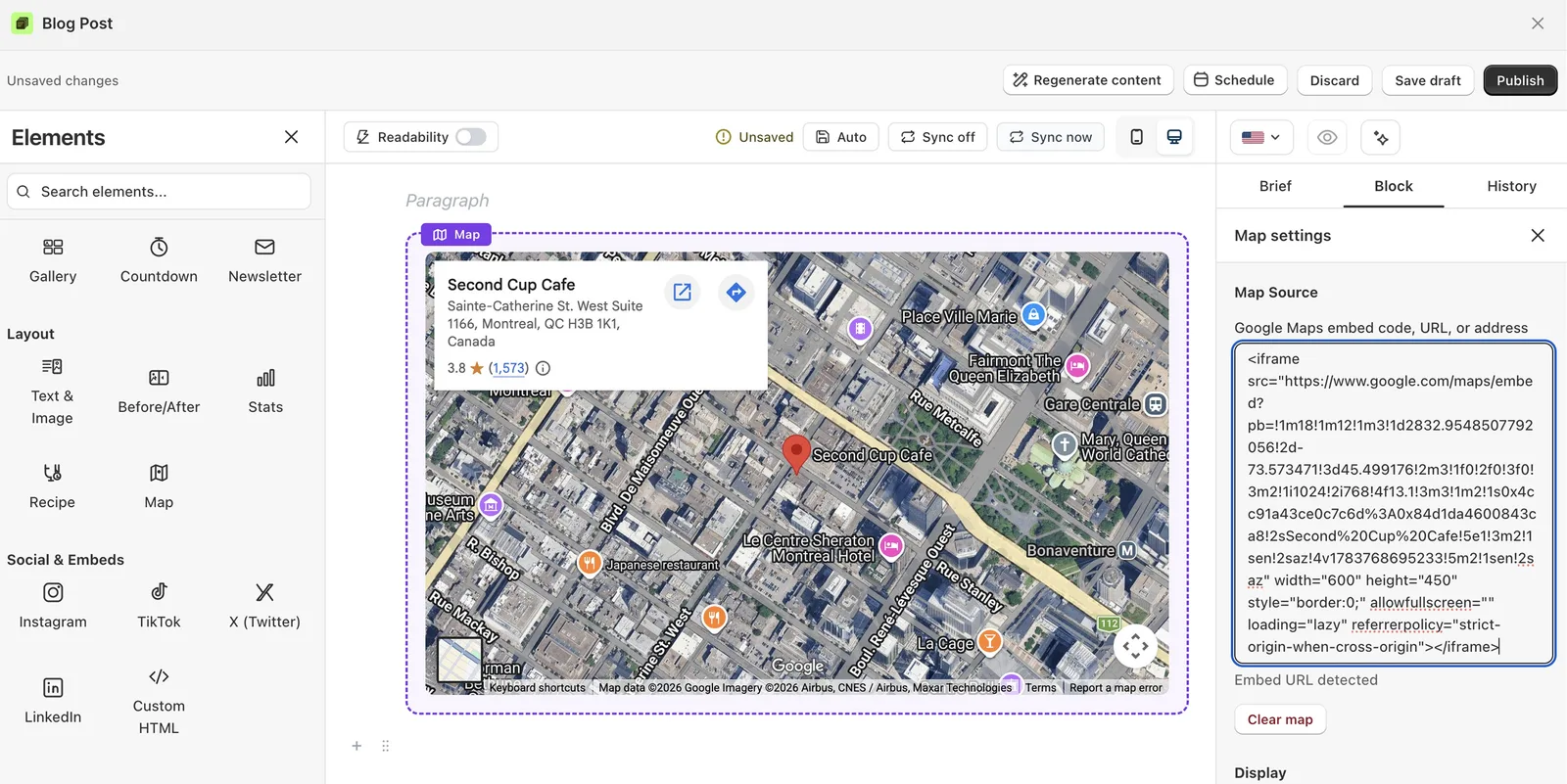
Map
The Map block shows a location right inside your post. Readers see where you are, where to find you, or where you ship.
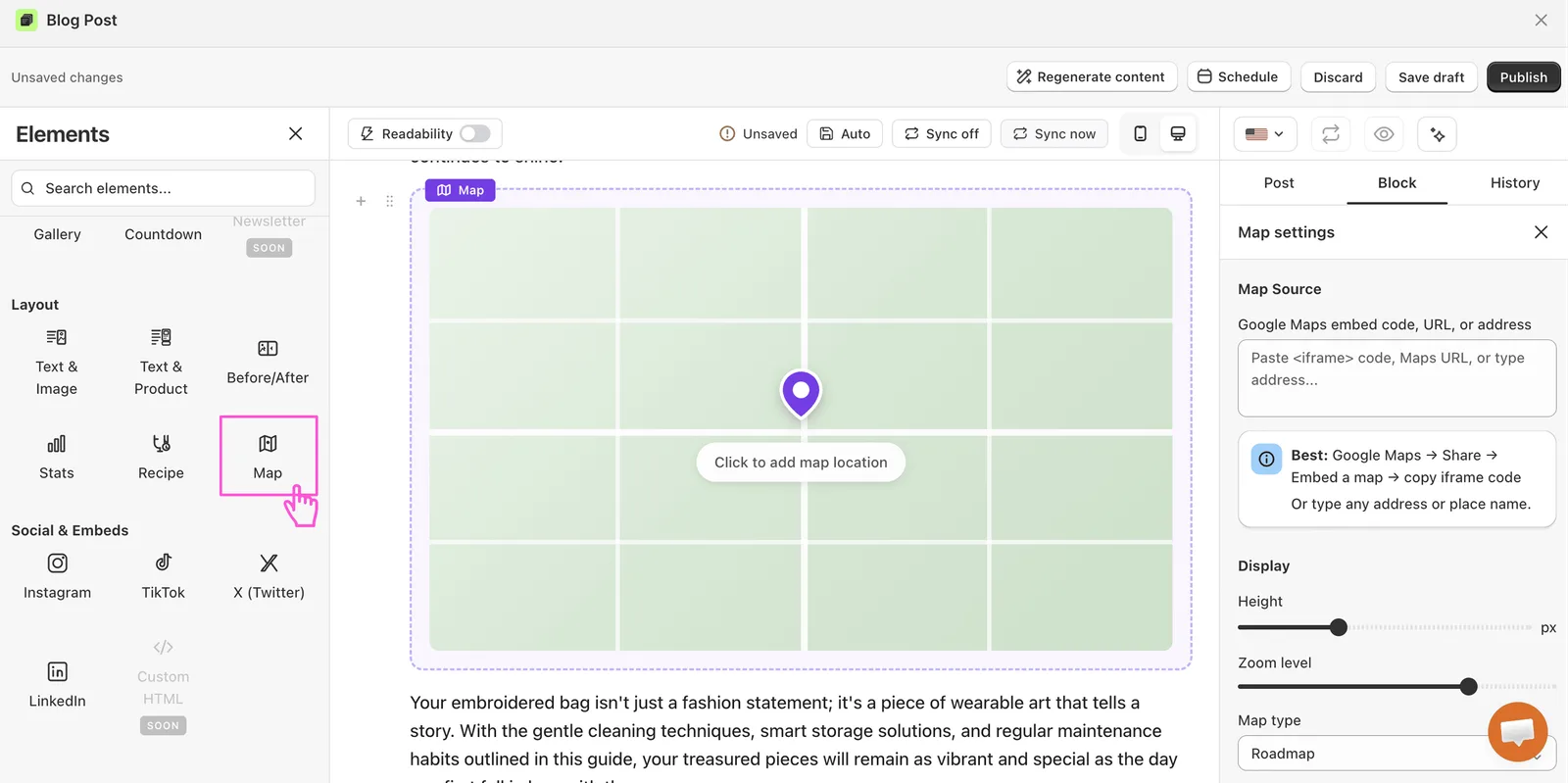
Shows a location, like your store, an event or a service area.
The Instagram block embeds a post or reel straight into your article. Readers see the photo or video, the likes, and the comments, all without leaving your page.
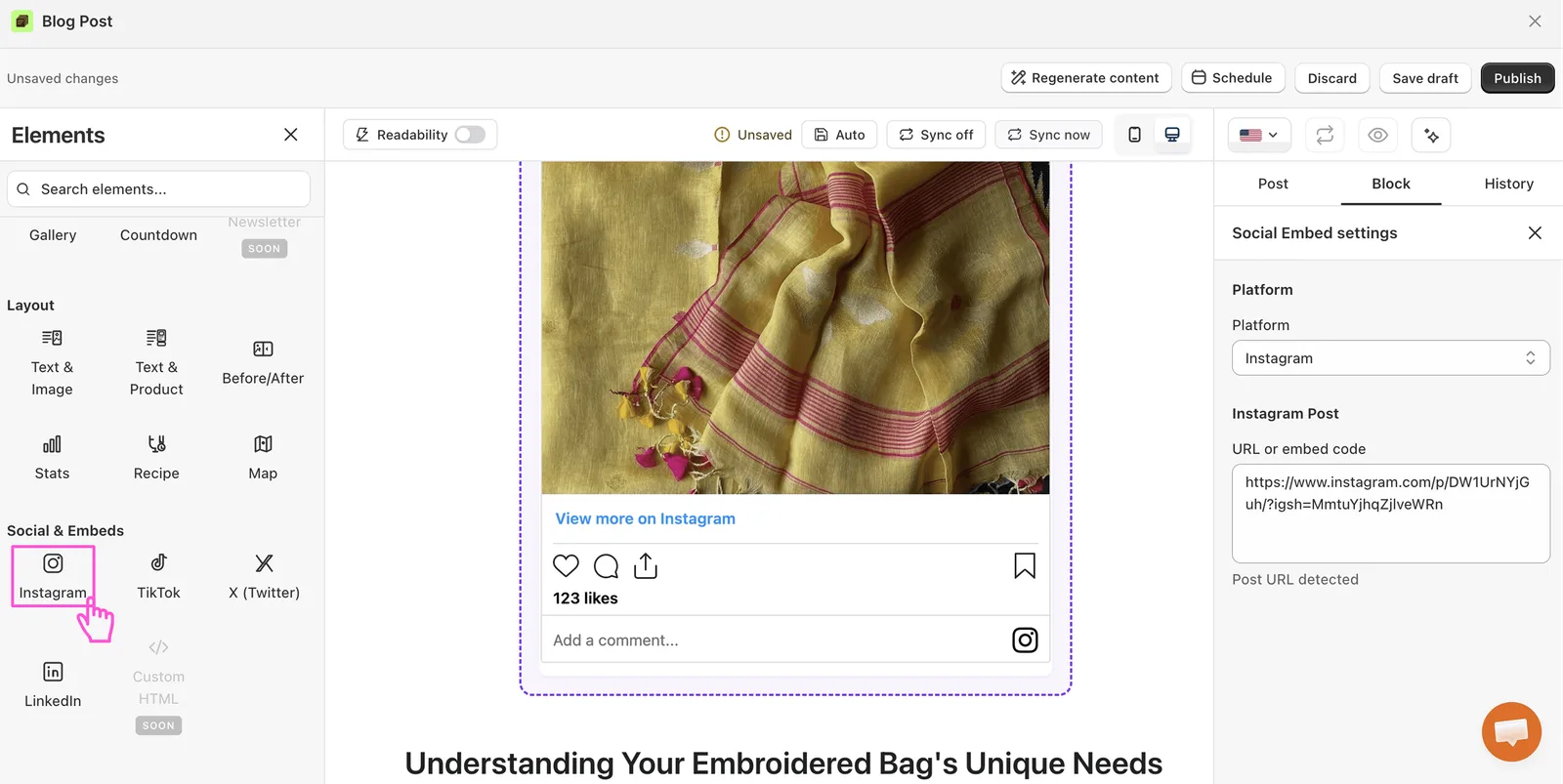
It is a quick way to add proof and personality. A real Instagram post shows your product in the wild and backs up your message.
Great for: Customer posts, product reels, brand moments, or user-generated content.
TikTok
The TikTok block embeds a video from TikTok into your post. Short video grabs attention fast and shows your product in action.
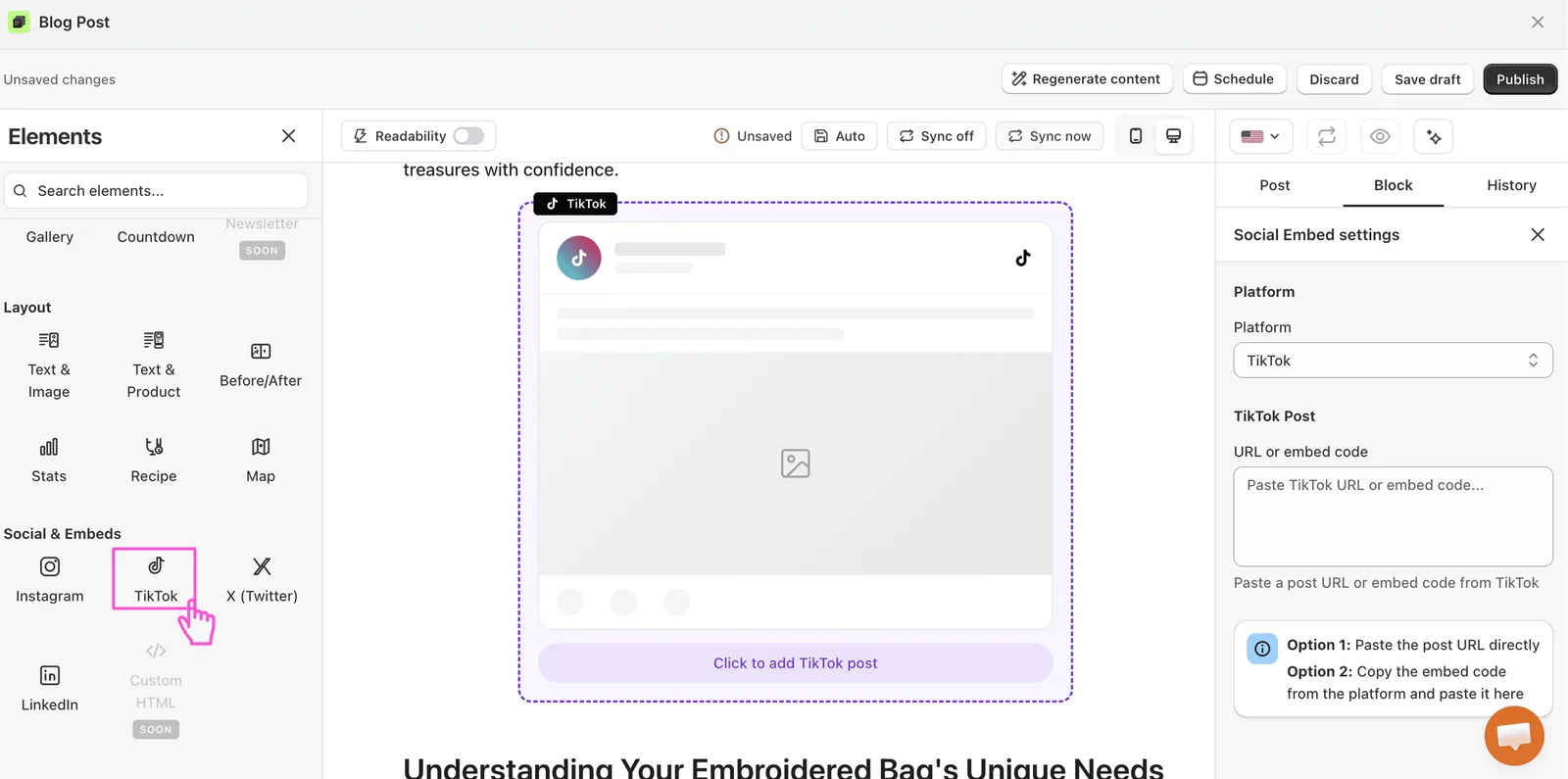
TikTok content feels fun and real, not like an ad. That makes readers more likely to trust it and act on it.
Great for: Product demos, trends, fun brand clips, or viral customer videos.
X (Twitter)
The X block embeds a post from X right into your article. It is great for sharing quick praise, news, or a buzz-worthy moment.
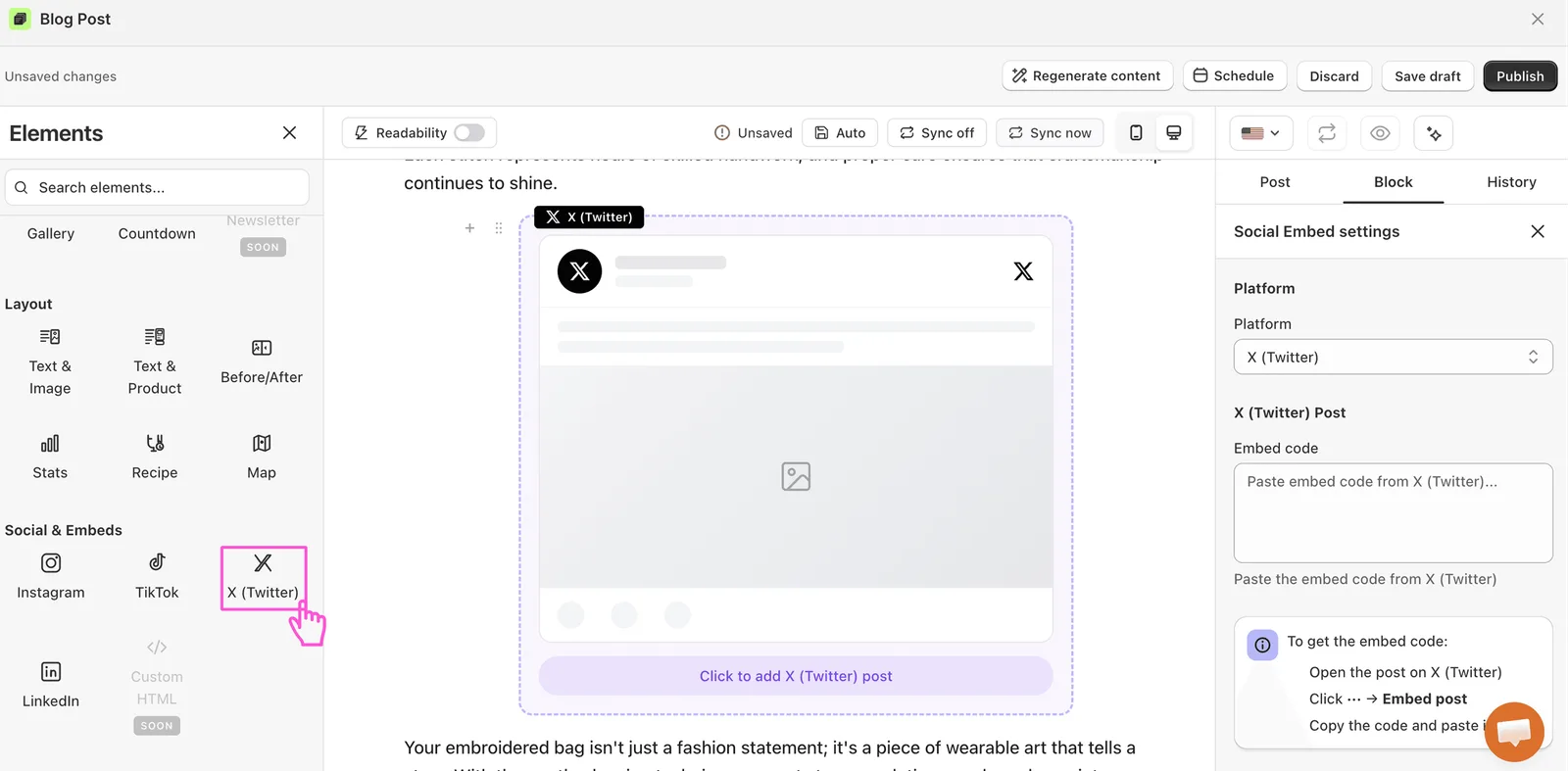
A real post adds proof and freshness. It shows people are talking about your brand right now.
Great for: Customer shout-outs, press mentions, announcements, or trending chatter.
The LinkedIn block embeds a professional post into your article. It adds weight and trust, which works well for B2B brands and bigger announcements.
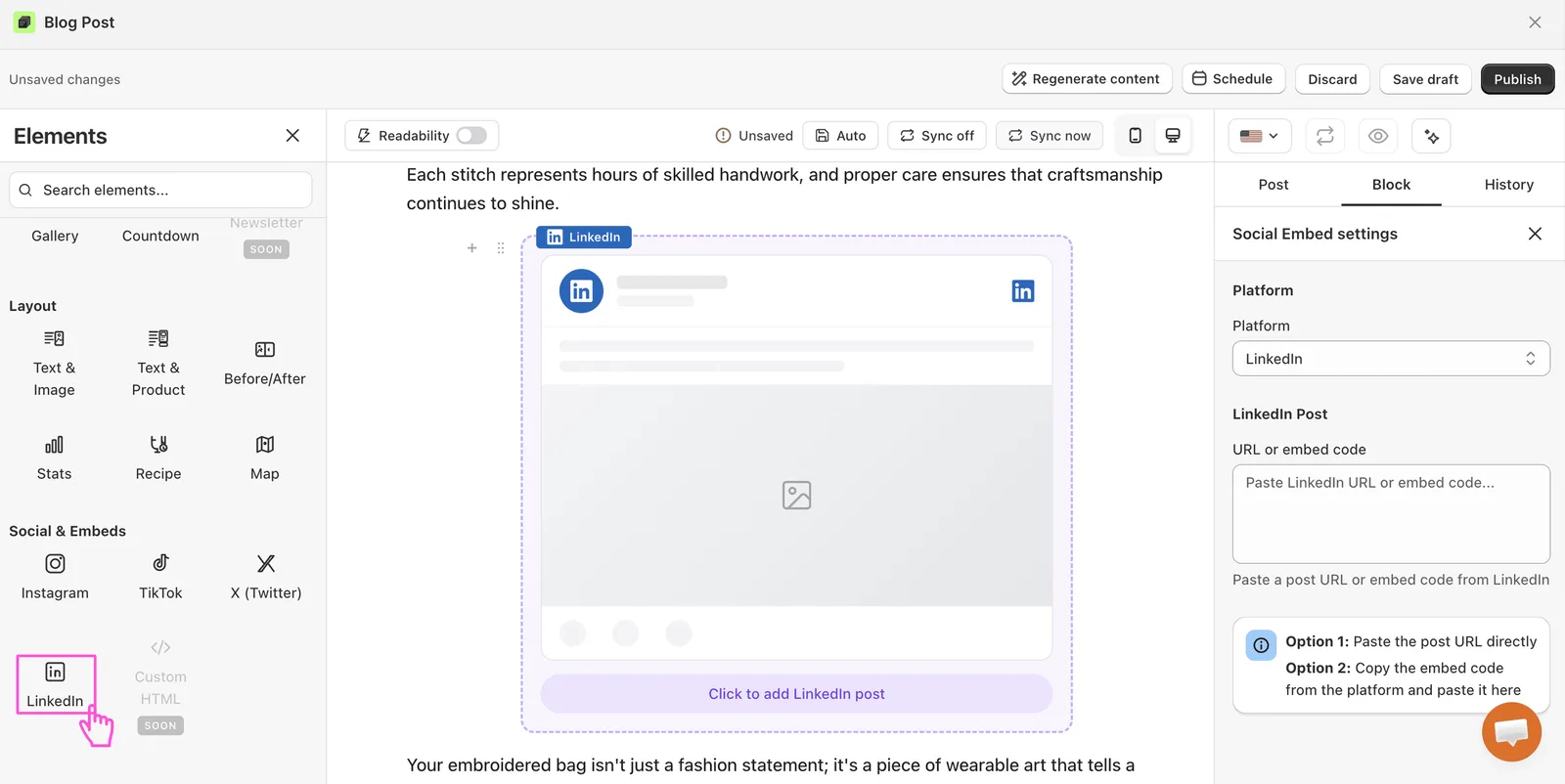
It signals that your brand is serious and credible. That matters when you sell to other businesses.
Great for: Company news, partnerships, awards, or thought-leadership posts.